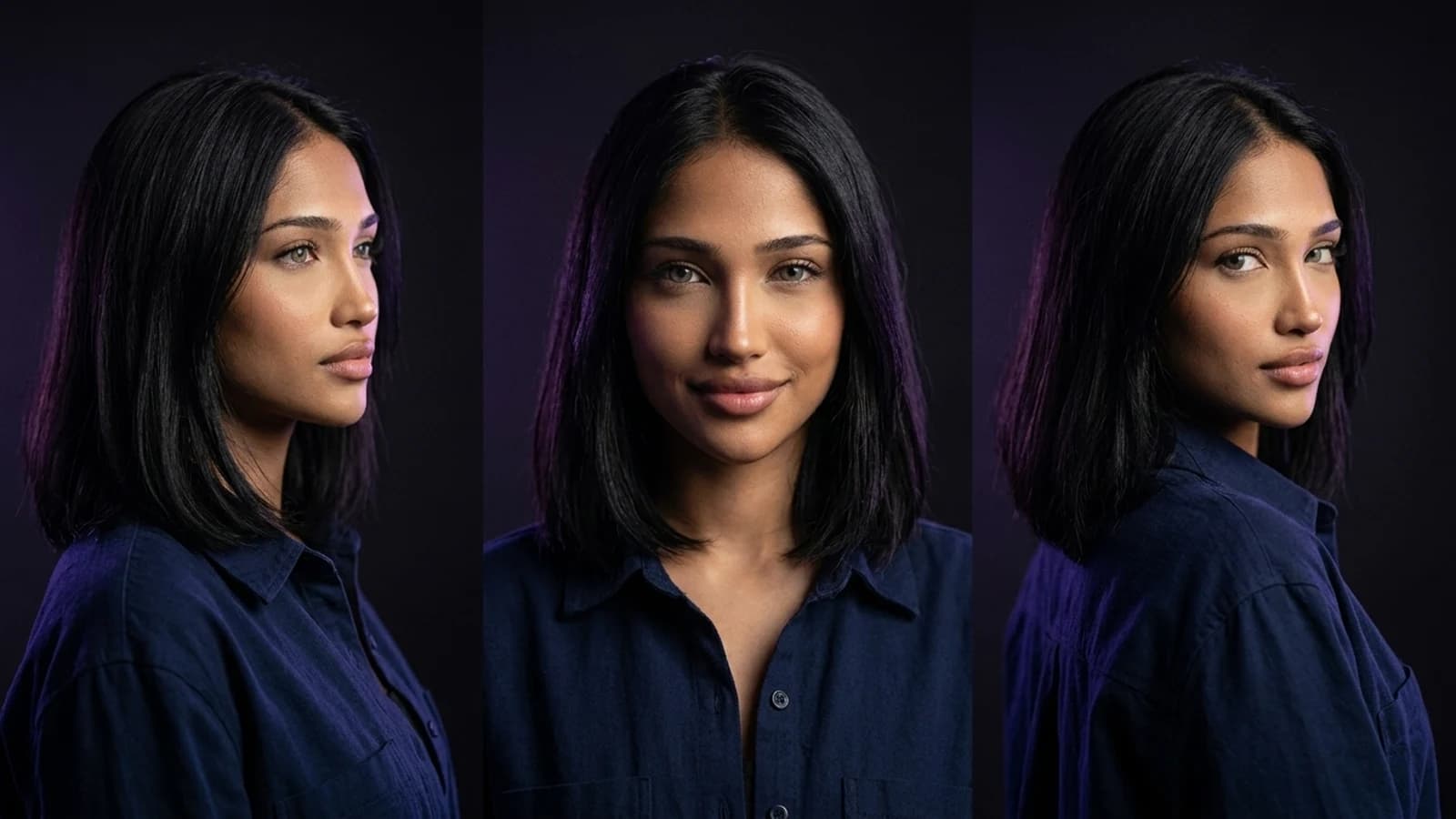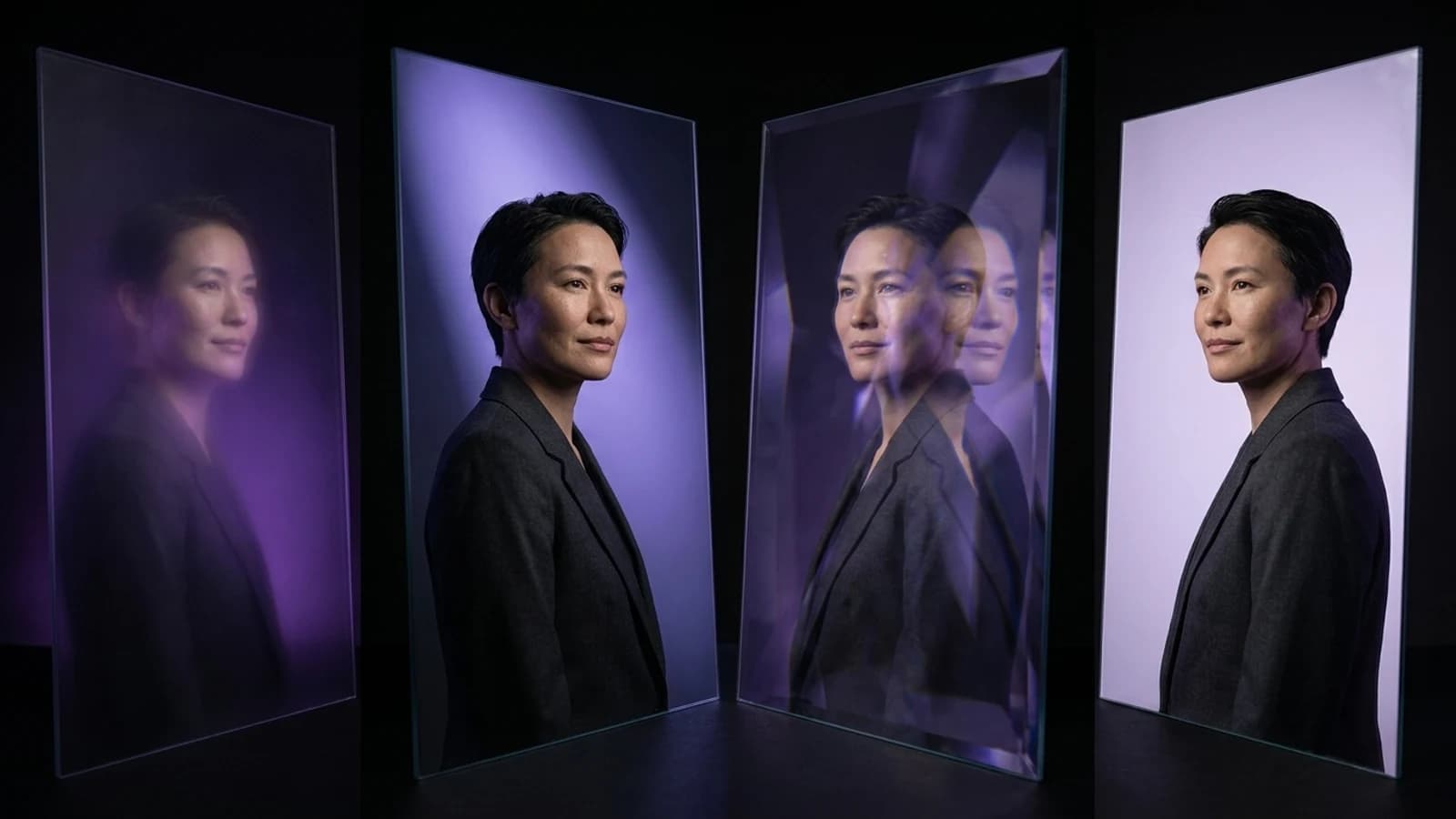
Many creators search for "Artflow alternative" because they've built a character in Artflow's actor system and now need to use that same character elsewhere. This guide addresses that specific need by examining documented workflows from various platforms. This is a documentation-based comparison, not a hands-on benchmark, focusing on how different tools approach character consistency.
Why Creators Look for an Artflow Alternative
Artflow's actor builder, as described on its about page, was designed for creating a reusable "actor" to generate scenes. This core concept of building and reusing a character reference has become common across many AI image and video tools. Creators often seek alternatives not because they are dissatisfied with Artflow, but because they need to extend this reusable-character idea into video, motion, or batch production, or to find a platform that better fits a different budget or workflow.
Different tools offer varying approaches to consistency. For example, Midjourney's official documentation distinguishes its V7 Omni Reference from other version-specific edit/reference flows, indicating diverse methods for handling identity. The key is understanding that "consistent" can mean different things depending on the tool's underlying method.
Understanding "Consistent Characters" Across Tools
When evaluating tools, it's helpful to distinguish between the underlying model that generates images and the platform that provides character-management features. A platform might offer a "consistent character" feature that utilizes various models, and switching models within the same platform could affect how well a character's face maintains its identity across different scenes.
Some approaches to character consistency include reference-guided generation, where an approved image guides subsequent outputs, or more technical setups involving specific parameters. The takeaway is to inquire about the specific method a tool employs before assuming that "consistent character" implies the same technique everywhere.
Top Artflow Alternatives Worth Testing
Instead of an exhaustive list, here are a few alternatives with genuinely different documented workflows for character consistency.
OpenArt Character Workspace: Reference-Guided Generation
OpenArt features a dedicated Character workspace designed around uploading or generating a reference image and then reusing it across new prompts. This falls into the category of "reference-guided" approaches, which are often reliable for straightforward consistency needs. This workflow is suitable when you have a clear visual reference you want to maintain.
What to verify: How the workspace handles significant style changes (e.g., shifting from an illustrated style to photorealistic) while maintaining the same character reference. This is where reference-based tools can sometimes show variation.
Higgsfield Creator Tools: Workflow-Based Character Reuse
Higgsfield's creator tools emphasize structured creative workflows that integrate character creation and reuse. If your primary goal is to embed character generation within a broader content pipeline, rather than just creating isolated portraits, Higgsfield's workflow-centric design could be beneficial. For a deeper dive into selecting tools based on workflow fit, the article on Higgsfield alternatives provides context on weighing workflow against output considerations.
What to verify: Whether the workflow structure effectively supports reusing one approved character across multiple distinct projects, beyond just within a single creative session.
Runway: Reference-Led Filmmaking for Video Consistency
Runway documents a reference-led filmmaking approach specifically designed for video production. Here, a reference image influences generation across multiple shots, which is crucial for video continuity. This is particularly relevant if your need for a "consistent character" primarily involves video content, as image consistency doesn't automatically translate to video continuity.
What to verify: How effectively the reference influence is maintained across longer video clips or through multiple scene transitions, as video consistency presents different technical challenges compared to static images.
Prism: Reusable Characters Across Image, Video, Motion, and More
Prism offers a documented approach to character creation where you provide either a description or an owned reference image. Once this reference is approved, it can be reused across various tools, including Image, Video, Motion, Batch, Upscale, Prompt, and Media workflows. The benefit here is a unified system where one approved character reference can be applied across a broader set of production tools, rather than being confined to a single image generator.
What to verify: Whether your specific project needs genuinely span enough of these integrated tools (e.g., video, plus batch processing, plus upscaling) to make a unified reference system a valuable switch. If you're just starting out with AI character creation, the practical guide on how to create an AI influencer offers a useful starting point before comparing platforms.
Quick Comparison: Workflow and What to Verify
| Tool | Documented Workflow | What to Verify Yourself |
|---|---|---|
| OpenArt | Reference-guided character workspace | Style flexibility with one locked reference |
| Higgsfield | Structured creative workflows | Cross-project reuse of one character |
| Runway | Reference-led video generation | Consistency across multi-shot sequences |
| Prism | Reusable reference across Image, Video, Motion, Batch, Upscale, Prompt, Media | Coverage of your specific tool mix |
This table serves as a starting point for your own evaluation, as documented workflows and your specific project requirements may align differently for each creator.
A Simple Switching Trial to Run Before You Commit
Here's a hypothetical trial you could conduct to assess alternatives; this is a proposed test, not a result published by Prism:
- Select one character you currently use in Artflow, or one you plan to build.
- Recreate this character in two candidate tools using the same source description or reference photo.
- Generate the same three scene types in each tool. For example, create a close-up, a full-body shot, and an action pose.
- Compare the consistency of the face and outfit side-by-side. Note how each tool's method (e.g., reference-guided, or other approaches) appears to perform.
- If your production needs include video or batch processing, repeat step 3 in the relevant video or batch tool, as image consistency and video consistency often involve different challenges.
Many platforms offer free or low-commitment tiers, making this type of trial feasible without a significant upfront investment.
When Artflow (or Your Current Tool) Still Makes Sense
This comparison does not suggest that Artflow is obsolete for all use cases. If your current workflow is well-established within its actor system and you primarily produce static images within that ecosystem, switching tools might introduce unnecessary complexity without a clear benefit. The primary reasons to explore an Artflow alternative are specific: you require video or motion output, you're producing at a batch scale, or you need one character reference to function across a broader set of tools than a single image generator provides. If these specific needs do not apply to your current work, continuing with your existing tool is a perfectly valid choice.
Next Steps
Choosing an Artflow alternative is about aligning a documented workflow with your specific production requirements. OpenArt is suitable for straightforward reference-guided image work, Higgsfield fits structured content pipelines, Runway addresses video-specific continuity, and Prism's reusable-reference system is designed for creators who need one character to carry across image, video, motion, batch, and upscale tasks. Conduct the simple switching trial outlined above with your own character before making a commitment. If you are still mapping out your broader tool stack, the Prism Academy offers structured guidance and can be a useful next step.