Creating an AI influencer starts with a repeatable character: a clear identity, a reference you can reuse, and a way to review each new image. A striking first portrait is useful, but the next few scenes tell you whether the character is ready for an ongoing project.
This guide takes you from a fictional persona to a small set of content using Prism. The example prompts are starting points, not a report of a completed generation test. Expect to review and adjust the results you get.
Start with a character you can describe
Before generating a face, write a short character brief. Keep it practical enough to use while making an image:
- Audience and subject: who would enjoy this creator, and what will the account cover?
- Identity: a fictional adult name, age and a few stable visual traits.
- Style: recurring clothes, settings and the overall photographic mood.
- Voice: how the character introduces a scene or writes a caption.
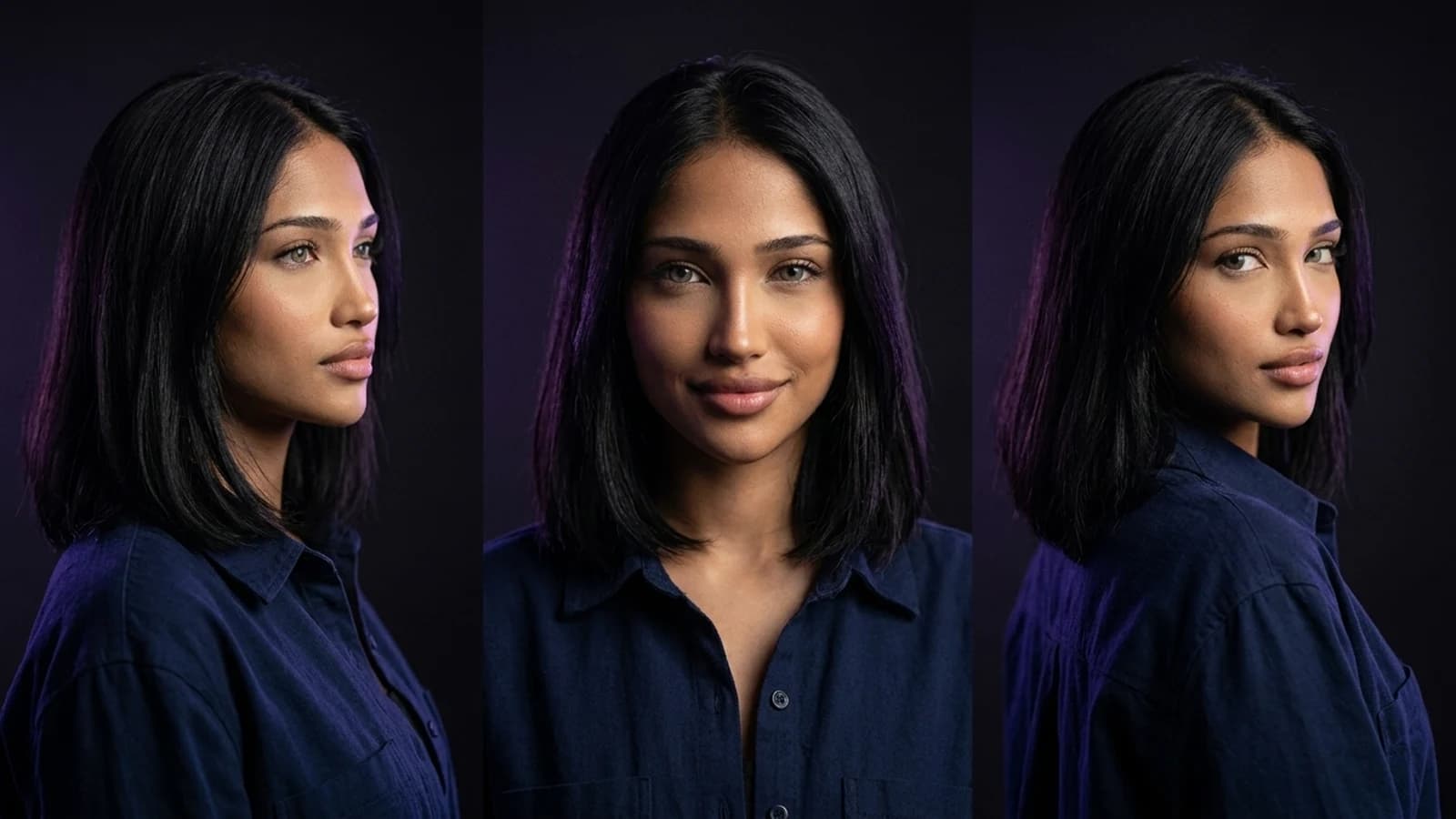
For example, Mara is a fictional 28-year-old travel creator. She has dark shoulder-length hair, a navy overshirt and a calm, observant voice. Her content focuses on quiet cafés, architecture and walking routes. Those details give you a starting point for the reference image and a reason to make the next scene.
Use references you own or have permission to use. Make the account’s fictional AI identity clear rather than presenting the persona as an actual person with a real travel history.
Create the character in Prism
Prism’s character workflow gives you two starting routes: an uploaded reference or the visual trait Builder. You do not need to train a custom model for this flow.
- Open the Characters area in Media and start creating a character.
- Upload a reference image, or use the Builder to choose the requested visual traits.
- Follow the character creation flow and give the character a name.
- Keep the selected reference as the starting identity for your next image.
With one uploaded photo, Prism uses that photo directly as the reference face. With two or three photos, the creation workflow generates blended portrait candidates. If you want to preserve a particular reference rather than blend several appearances, start with one suitable image.
The reference is a guide for generation, not a guarantee that every output will match. Choose a clear image where the face is easy to inspect and the lighting does not hide the features you want to retain.
Generate a simple first scene
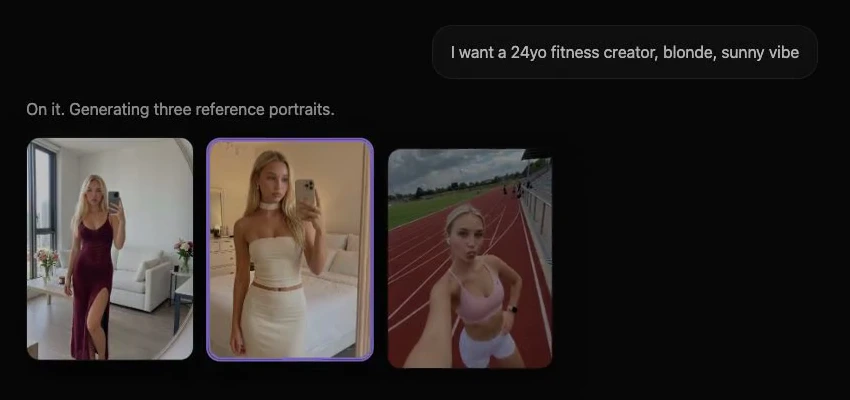
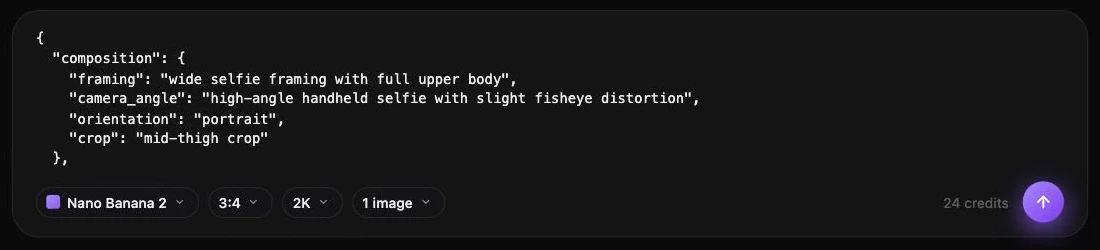
Open the Image tool, select your character, choose a model and enter a scene prompt. Start with one straightforward setting so you can judge the identity before adding more variables.
Here is an example for the fictional travel creator. Use the selected character as the reference; the prompt describes the scene around that identity.
Use the selected character as the identity reference. A fictional adult travel creator at a quiet Lisbon café, navy overshirt, natural morning window light, candid seated portrait, realistic skin texture, vertical composition. Keep the face and hairstyle consistent with the reference.Review the result in Media. Does it resemble your reference? Is the pose plausible? Do the clothing, hands and objects make sense? If something is wrong, change one part of the prompt or setup at a time so you can understand what helped.
For the next image, reuse the same character and change only the setting. For example, replace the café with a tiled courtyard while keeping the wardrobe and natural light. That makes it easier to spot identity changes between scenes.
Check consistency before building a large set
If the face changes between scenes, use the character consistency checklist to isolate reference, pose and lighting changes.
Create a small review set before starting a larger batch: one close portrait, one wider scene and one image with different lighting. These views expose different problems.
| Check | What to look for | What to try next |
|---|---|---|
| Face | Facial proportions and distinctive features still resemble the reference | Recheck the selected character and simplify the scene |
| Hair | Length, colour and shape remain recognisable | State the important hair detail explicitly |
| Clothing | The requested outfit makes sense across the image | Reduce competing wardrobe instructions |
| Hands and objects | Fingers, cups and accessories are plausible | Use a less complicated interaction or another pose |
| Scene | Light, shadows and background fit together | Make the environment and lighting instructions more specific |
This is an editorial review checklist, not an automated Prism quality score. Save the prompt and model choice alongside the result you prefer. When you change several things at once, it becomes harder to repeat a good outcome.
Build a small content set around one idea
For adaptable scene ideas, start with the AI influencer prompt templates and change one variable at a time.
A useful first set might follow Mara through a single morning: a café portrait, an outdoor walking image and a close view of a notebook on the table. The scenes have a shared subject and visual direction without repeating exactly the same composition.
Plan the set before generating it. Write down the scene, framing, caption idea and the parts of the character that should remain fixed. Prism offers a Batch workflow for larger sets, but first check a few representative prompts individually.
Avoid treating every generated image as publishable. A smaller collection of reviewed images is a better starting point than a large folder where the character changes from frame to frame.
Move an approved image into video
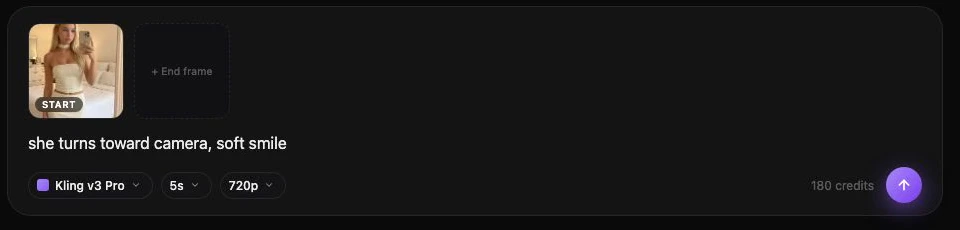
When an image works, use it as the starting point for a short video where the selected model and interface support that input. Keep the first motion simple: a subtle head turn or a small camera movement gives you fewer things to review at once.
Prism’s Video and Motion tools serve different creative tasks. The Motion workflow uses a reference clip to guide character movement; a still portrait alone does not supply that movement. Check the inputs and controls available for the model you select before preparing a clip.
Watch the entire output. Check the face during movement, the hands, the background and the ending frame. A good opening image does not establish that the rest of the clip is usable.
Give the account a clear voice
Write captions that suit the fictional persona without inventing real-world experiences. For example, “A quiet café scene from Mara’s virtual travel journal” explains the concept more clearly than claiming the character actually visited a venue.
A bio could say: “Mara · fictional AI travel creator · imagined places, thoughtful details.” Adapt the wording to your project and check the current rules of the platform where you intend to publish. This workflow does not assume that Prism automatically posts to every social platform.
Troubleshoot the first few results
If the face drifts, check that the same character remains selected. Then simplify the prompt and return to a scene close to the reference. Add more demanding poses or lighting only after that works.
If every image looks identical, keep the identity fixed while varying framing, pose and background. Consistency does not require repeating one photograph.
If the project feels visually coherent but has no direction, return to the character brief. Give the next set a specific subject rather than adding more generation settings.
Your first milestone
Aim for one saved character, three reviewed images and one short clip you have watched from beginning to end. Keep the prompts, references and decisions that produced that set. You then have a repeatable starting workflow to improve.
If you are still choosing a tool, the Higgsfield alternatives guide compares documented creator workflows. If you are ready to begin, open Prism and create your first character.