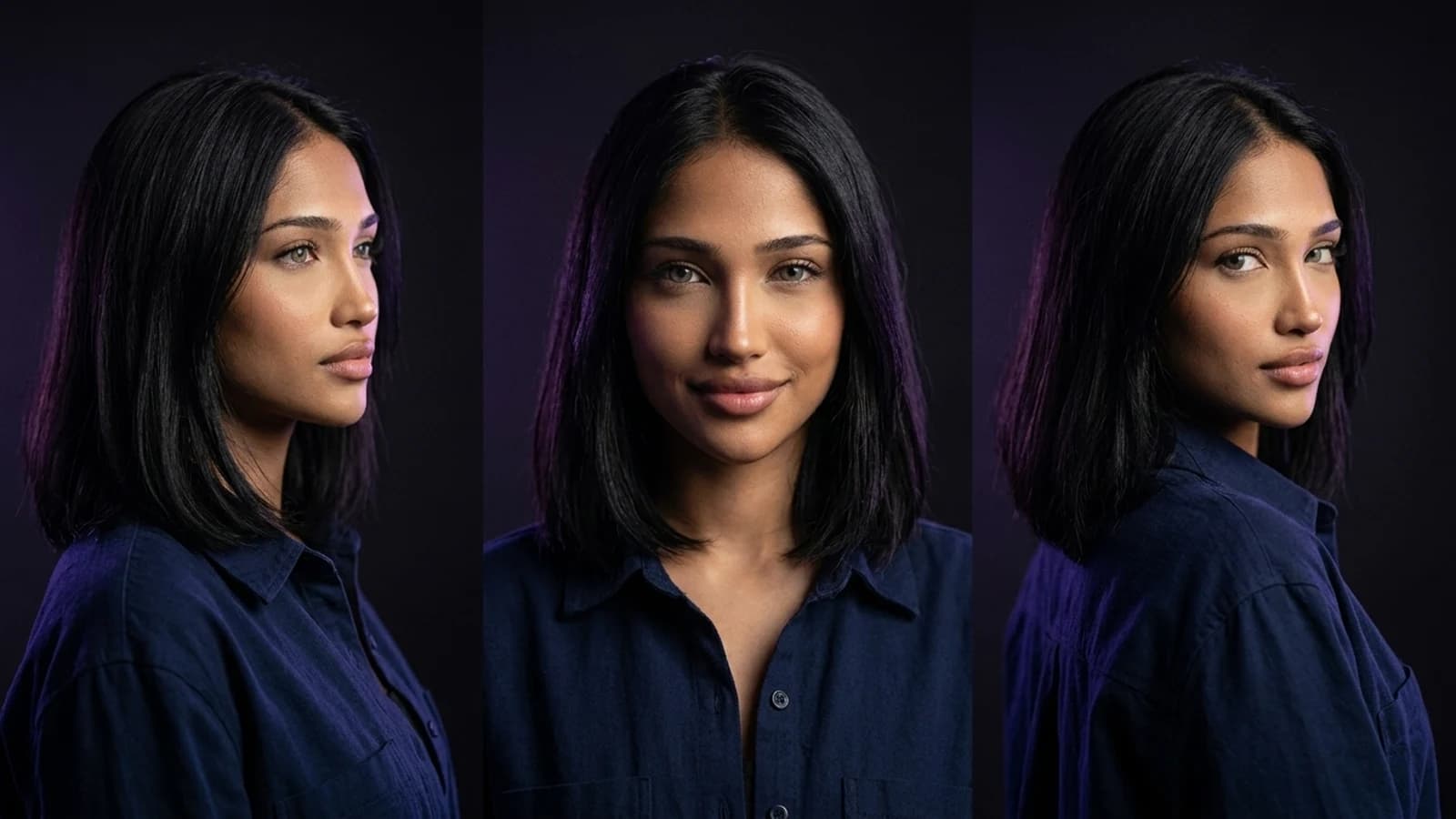
Artlist built its reputation on offering licensed music and stock footage. While that core offering remains, a growing number of searches for "Artlist alternative" now focus on AI video generation, character consistency, and multi-model workflows, which Artlist's AI Toolkit addresses as an add-on. This suggests two distinct needs: one for royalty-free media licensing, and another for advanced generative AI tools. This guide explores where Artlist's AI capabilities fit, which alternatives might better serve specific use cases, and how Prism's approach to reusable characters can support creators. It's important to note this is a documentation-based comparison, not a hands-on benchmark of tool performance.
Understanding Artlist's AI Toolkit
Artlist's official help center describes its AI Toolkit as a feature for generating AI videos from text or image prompts, integrated with its existing royalty-free music and stock footage library. This functionality allows for video generation using different types of references, with available options depending on the selected model. This positions Artlist's AI tools as an enhancement to a media licensing platform, rather than a standalone, purpose-built character or multi-model video suite. The distinction is key: if your primary need is more flexible music and stock media, licensing-focused alternatives are relevant. If consistent AI characters or complex multi-scene video generation are your priority, then generative AI platforms are a closer match.
Dedicated Music and Stock Media Alternatives
For creators whose primary need is broader access to licensed media, rather than advanced AI features, dedicated platforms offer extensive libraries. If the focus is solely on music licensing terms, track variety, or sync licensing for advertisements, a specialized music platform might be more suitable than a general AI toolkit. Platforms like Soundstripe, Epidemic Sound, Audiio, and Musicbed are often considered for royalty-free audio workflows. It's crucial to verify the specific licensing terms for monetized content, sync licensing, and platform-specific claim policies, as these can differ significantly between providers.
Runway: Reference-Led AI Filmmaking
For creators prioritizing generative video control, particularly turning a reference image or description into consistent shots, Runway offers a distinct approach. Runway's documentation describes reference-led filmmaking workflows, such as those built around Gen-4, where users supply visual references to help maintain consistency across generated shots. This platform is designed with generative video as a core offering, rather than as an add-on to a media library.
What to verify: The quality and consistency of reference-led generation can depend on your source material and prompt structure. Consider testing with your own reference footage or images to see how it aligns with your production workflow, as public materials describe the workflow rather than specific performance benchmarks for every scenario.
Higgsfield: A Creator-Focused Suite
Higgsfield positions itself as a suite of creator tools, with image and video capabilities, Cinema Studio, character creation, and Soul ID. It aims to support AI video production, particularly for social-first content. For a more detailed examination of how Higgsfield compares with other platforms, including its scope and distinctions from tools like Prism, the Higgsfield alternatives comparison provides insights into tool-selection criteria that are useful when evaluating any Artlist alternative.
What to verify: Check Higgsfield's documented tool set against your specific needs, including social video formats, template-driven workflows, and export options, to ensure compatibility with your production pipeline.
Prism: Reusable Characters for Consistent Content
Prism addresses the need for character consistency in AI-generated content. Its verified scope includes reusable fictional characters, alongside Image, Video, Motion, Batch, Upscale, Prompt, and Media tools. Character creation involves providing either a written description or an owned reference image. Once a reference is approved, it can be reused across subsequent generations, aiming for consistency rather than generating a new character from scratch each time. Images and videos can leverage these saved characters.
This workflow differs from Artlist's clip-based AI Toolkit by prioritizing character continuity, which is particularly valuable for recurring content series, branded characters, or long-form storytelling. For creators interested in a practical starting point for building a consistent AI character before comparing platforms further, the step-by-step AI influencer workflow details the reference-to-reuse process. The Prism Academy also offers deeper workflow tutorials.
Comparison Table: Artlist Alternative Options by Workflow
| Tool | Documented Workflow | What to Verify |
|---|---|---|
| Dedicated Music Platforms (e.g., Soundstripe) | Royalty-free music licensing | Sync/commercial licensing terms per platform |
| Runway | Reference-led AI video generation | Consistency results with your own reference material |
| Higgsfield | Creative suite with image/video tools, character creation | Format/export fit for your platform |
| Prism | Reusable character + Image/Video/Motion/Batch tools | Character consistency across your specific project needs |
A Concrete Switching Trial to Consider
Instead of a full platform migration, a focused side-by-side test can be more informative. For example, take a hypothetical recurring project, such as a weekly character-driven short. Run the same reference image or description through Prism's character tool alongside an AI-video alternative like Runway. Compare how each platform handles character reuse across multiple generations, not just the initial output. If music licensing is your primary concern, compare a single track from Artlist's library with an alternative like Soundstripe for the same ad or social clip, paying close attention to licensing terms as well as audio quality. This type of narrow trial can reveal more about workflow compatibility than a general feature list.
Reasons to Continue with Artlist
Switching tools is not always the best solution. Artlist's primary strength lies in its extensive, licensed stock and music library, complemented by its AI Toolkit. This bundled approach can be highly convenient for creators who prefer a single subscription for footage, music, and basic AI video generation, avoiding the need to manage multiple specialized tools. If your workflow is predominantly licensing-driven and the AI features are a secondary benefit rather than the main focus, Artlist's integrated offering might still be the simpler choice.
Next Steps
There isn't a single "best" Artlist alternative; the ideal choice depends on your specific workflow. Creators focused on stock and music licensing might explore dedicated audio platforms. Video-first creators seeking generative control could compare Runway or Higgsfield. For those building recurring characters or branded content, a reusable-character workflow like Prism's, especially with its Batch and Upscale tools, may offer more value for scaling a series.
A practical next step is to select one recurring project and conduct the narrow trial described above. Evaluate the licensing terms or consistency results before committing to a new subscription. For a foundational understanding of character-building, the AI influencer creation guide is a useful starting point, and the Prism Academy offers deeper workflow tutorials once you've identified a tool that aligns with your project.