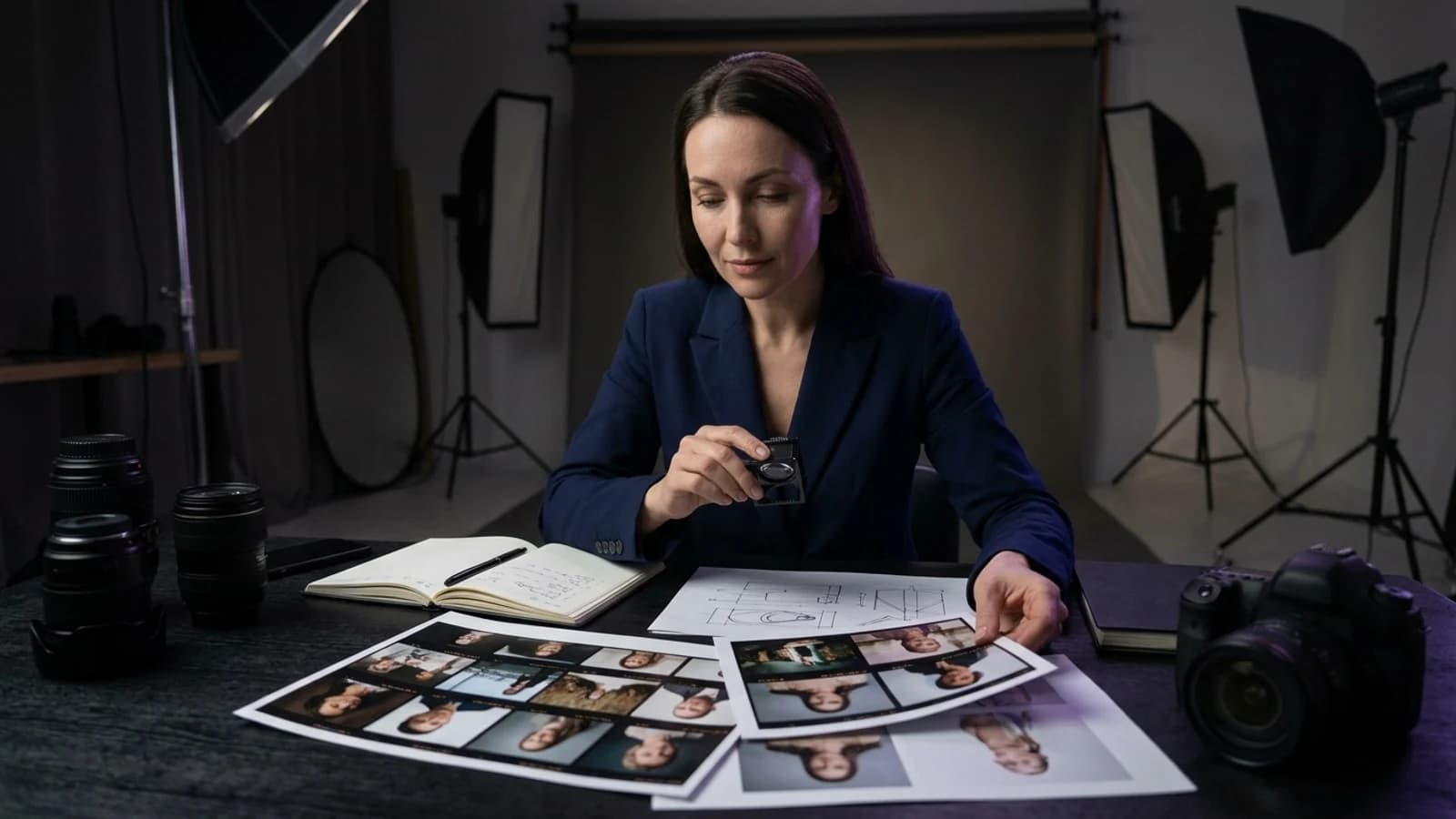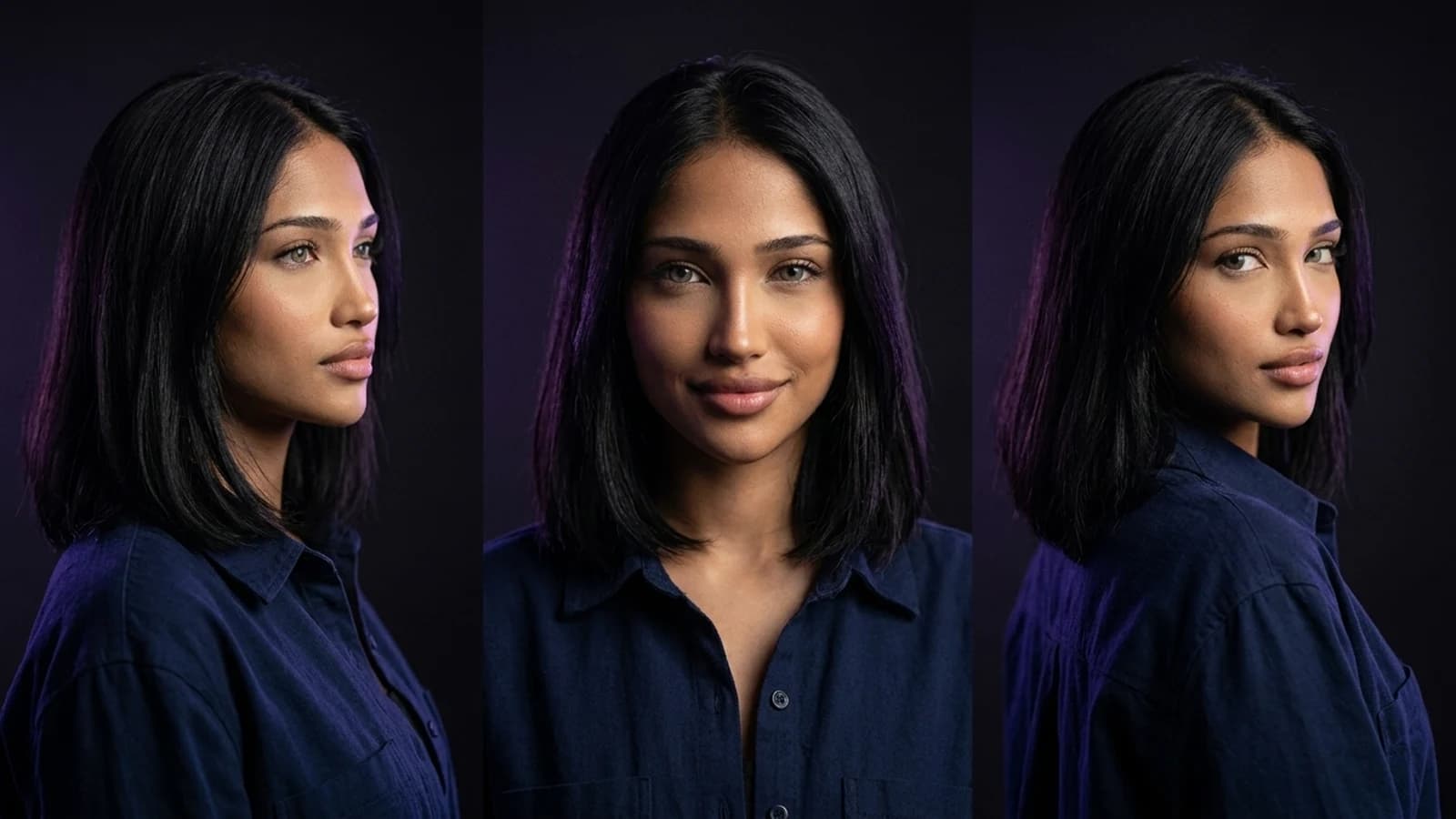
Creating an AI model for Fanvue starts with a fictional adult identity you can reuse across a coherent set of images and videos. Alongside that creative work, the human operator must complete Fanvue's verification and clearly disclose AI-generated content, as its guidelines require.
This guide walks through the practical steps, from persona planning to your first content batch, with a checklist and common pitfalls to avoid. It assumes you've already reviewed the broader character-building workflow in our guide on how to create an AI influencer, as this article builds upon those foundational concepts.
Model Versus Platform: What "AI Model" Actually Means Here
The term "model" can be used in two distinct ways: referring to the underlying AI system (like a diffusion model that generates images) or to the character, the consistent persona your audience sees. When creators search for how to create an AI model for Fanvue, they almost always mean the latter: a consistent virtual person, not a piece of machine-learning infrastructure.
You don't need to train a neural network from scratch to achieve this. Most creators utilize an existing image or video generation platform to design a character, establish a consistent appearance, and then produce ongoing content featuring that same character. For example, Prism allows you to describe a character or provide an owned reference image. Once approved, this reference becomes the anchor for all subsequent Image, Video, Motion, Batch, Upscale, Prompt, and Media generations, helping you check the persona's consistency across new outputs. This is the "model" most Fanvue guides are actually discussing.
Onboarding Versus Character Creation: Two Separate Jobs
This distinction is often a source of confusion. There are two separate processes involved, typically managed on different systems.
1. Fanvue Account Onboarding (Human Verification)
Every creator, regardless of whether they use AI, must complete Fanvue's own sign-up and identity verification process before publishing any content. This step confirms you are a real adult and agree to the platform's terms. Fanvue's AI content guidelines are essential reading before you post anything.
2. Character Creation (The Creative Work)
Separately, and often prior to onboarding, you design the persona itself—its appearance, personality, and content style—using an image or video generation tool. This is the creative step that tools like Prism support. Character creation does not require Fanvue verification, but publishing the finished content on Fanvue does.
It's crucial to keep these two steps mentally separate. Building a character is a creative task you can undertake at any time. Getting verified and disclosing that a persona is AI-generated is a platform compliance task directly tied to your actual human identity.
How to Create an AI Model for Fanvue: A Step-by-Step Workflow
Step 1: Define the Persona on Paper First
Before engaging with any generation tool, outline the fundamental aspects of your persona: an adult age range, general appearance, personality traits, tone of voice, and the type of content the persona will produce. Treat this as a detailed character brief, not just a vague concept.
Hypothetical example brief: "Mira, late-20s, warm and a little sarcastic, loves rainy-day photography and vintage cameras, casual streetwear aesthetic." This is an illustrative example only, not a demonstrated output.Step 2: Build a Reusable Reference
In Prism, character creation begins either from a written description or an owned and permitted reference image. Once approved, this reference serves as the consistent anchor for every subsequent image or video, which is vital for maintaining the persona's identity across all posts.
Example prompt structure to start from:
"Consistent character, 20s adult woman, soft natural lighting, casual denim jacket, relaxed candid pose, outdoor café background"
Refine your description until the generated reference aligns with your brief from Step 1. Once satisfied, treat that approved reference as your locked-in identity.
Step 3: Generate a Small, Varied Starter Set
Instead of producing fifty repetitions of a single pose, aim for variety within consistency. Create images with different outfits, settings, and expressions, all utilizing the same approved character reference. Batch generation tools can accelerate this process once the reference is established, allowing you to produce multiple variations without re-describing the character each time.
Example variation prompts:
"Same character, cozy sweater, indoor bookstore setting, soft smile"
"Same character, casual gym outfit, morning light, candid walking pose"
Step 4: Upscale and Refine Before Publishing
Process your finished images or video clips through an upscale pass to ensure they appear sharp and high-quality across various devices. This is a quality enhancement step and does not replace the mandatory AI disclosure requirements.
Step 5: Complete Fanvue Onboarding as the Human Creator
Only after you have both a well-defined persona and a preliminary content set should you proceed with Fanvue's own sign-up and verification process. This confirms your adult status, your rights to any likeness used, and that your account is linked to a real, accountable person.
Step 6: Disclose the AI Nature of the Persona
Fanvue's guidelines explicitly permit AI-generated personas, provided that disclosure is clear. Include a plain-language statement in your bio and, where appropriate, on the content itself, indicating that the persona is AI-generated. Always review the official Fanvue AI content guidelines directly, as platform rules can be updated.
Practical Checklist Before You Publish
- [ ] Written persona brief with adult age range and clear personality
- [ ] Approved, reusable character reference saved
- [ ] Starter batch with varied settings, same identity
- [ ] Images upscaled for clarity
- [ ] Fanvue account created and verification completed by the actual human creator
- [ ] Ownership or permission confirmed for any reference likeness used
- [ ] AI disclosure added to bio and relevant content
- [ ] Fanvue's current AI content policy re-checked for any updates
Common Mistakes to Avoid
Skipping disclosure because the persona "looks real." The realism of a persona does not negate the disclosure requirement. Fanvue's policy applies regardless of how convincing the AI-generated character appears.
Regenerating the face from scratch every session. Without a locked, reusable reference, your audience will quickly notice inconsistencies in the persona's appearance. Always reuse your approved reference instead of attempting to re-describe the character for each new generation.
Confusing character creation with account approval. Building a persona using a generation tool is a creative act; it does not fulfill the requirement of verifying you as a Fanvue creator. These are distinct and both are necessary steps.
Using a reference image without clear permission. Whether you use a purchased stock photo, a personal photograph, or a generated likeness, confirming ownership or explicit permission is crucial. Do not assume a source is safe for commercial use without verification.
Publishing a tiny, inconsistent batch and calling it done. A small collection of mismatched images can signal a lack of effort. A modest but consistent set, built around a single, approved reference, conveys intentionality and professionalism.
Choosing the Right Tool for This Workflow
Many generation tools can produce a single striking image. However, fewer are specifically designed for the workflow described here: maintaining one character reliably across multiple images, videos, and batch generations. If you're evaluating options, our guide on Higgsfield alternatives offers useful context for weighing tool-selection tradeoffs. Some tools excel at single stylized shots, while others are better suited for maintaining a consistent character over time. The optimal choice depends on whether your goal is one-off artistic creation or the development of an ongoing persona.
Prism's capabilities are designed for the reusable-character-plus-content-tools workflow: character creation from a description or owned reference, followed by Image, Video, Motion, Batch, Upscale, Prompt, and Media tools that utilize that same approved reference. It's important to note that Prism does not handle Fanvue account verification or automatic publishing; these remain manual, human-completed steps on Fanvue's platform.
Next Steps
Creating an AI model for Fanvue involves two parallel tracks: a creative one, where you design and lock in a consistent persona, and a compliance one, where the human creator verifies their identity and discloses the AI nature of the account. Neglecting either track can lead to issues, whether it's an inconsistent-looking persona or a flagged account.
Begin by drafting a detailed persona brief, then build a reusable character reference, and generate a small, varied starter batch of content. Subsequently, complete Fanvue's own verification and disclosure steps before publishing anything. For a deeper dive into the broader groundwork of character building, revisit our guide on how to create an AI influencer. If you're looking for structured lessons on the creative aspects of this process, the Prism Academy is a valuable resource.