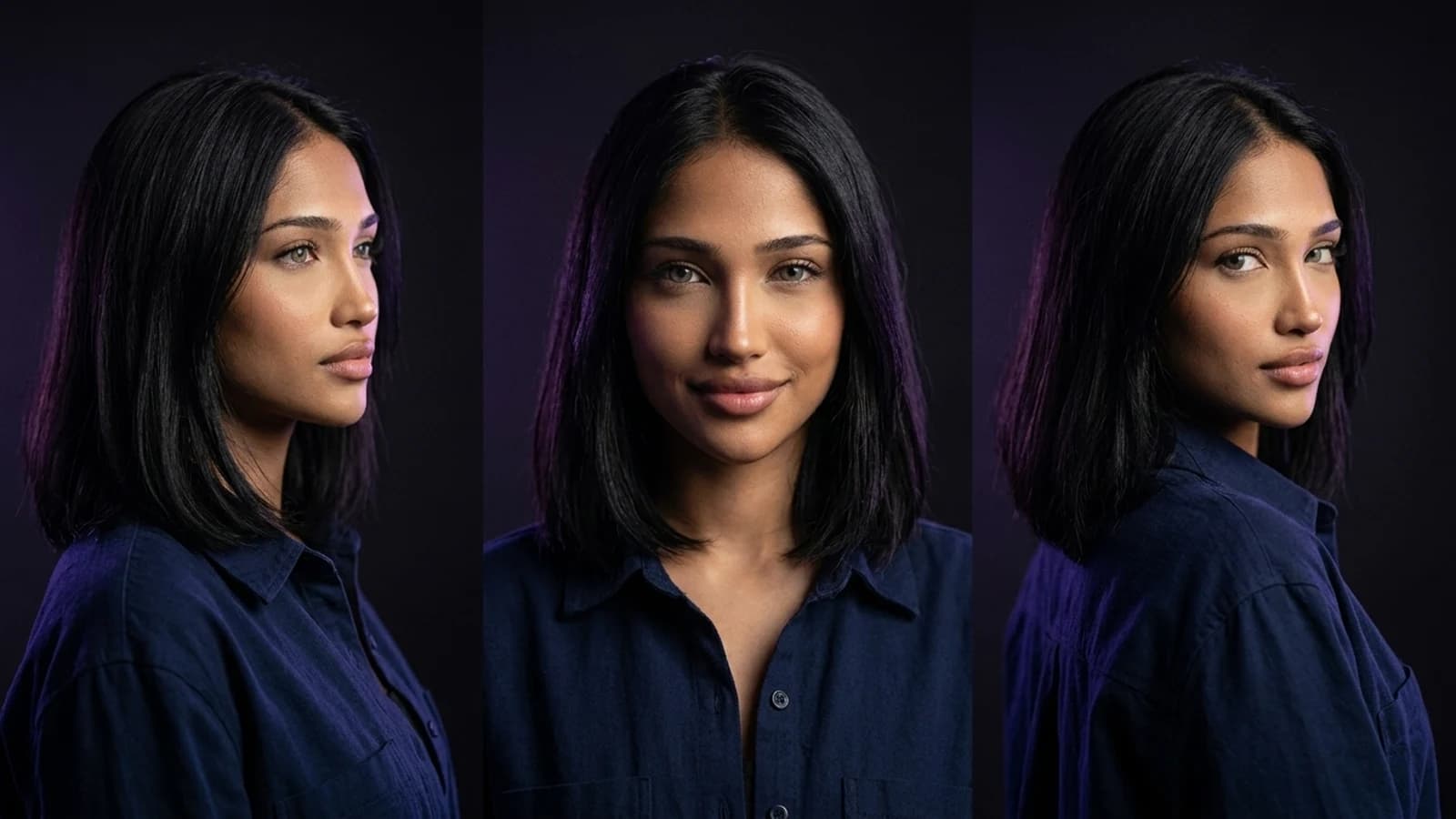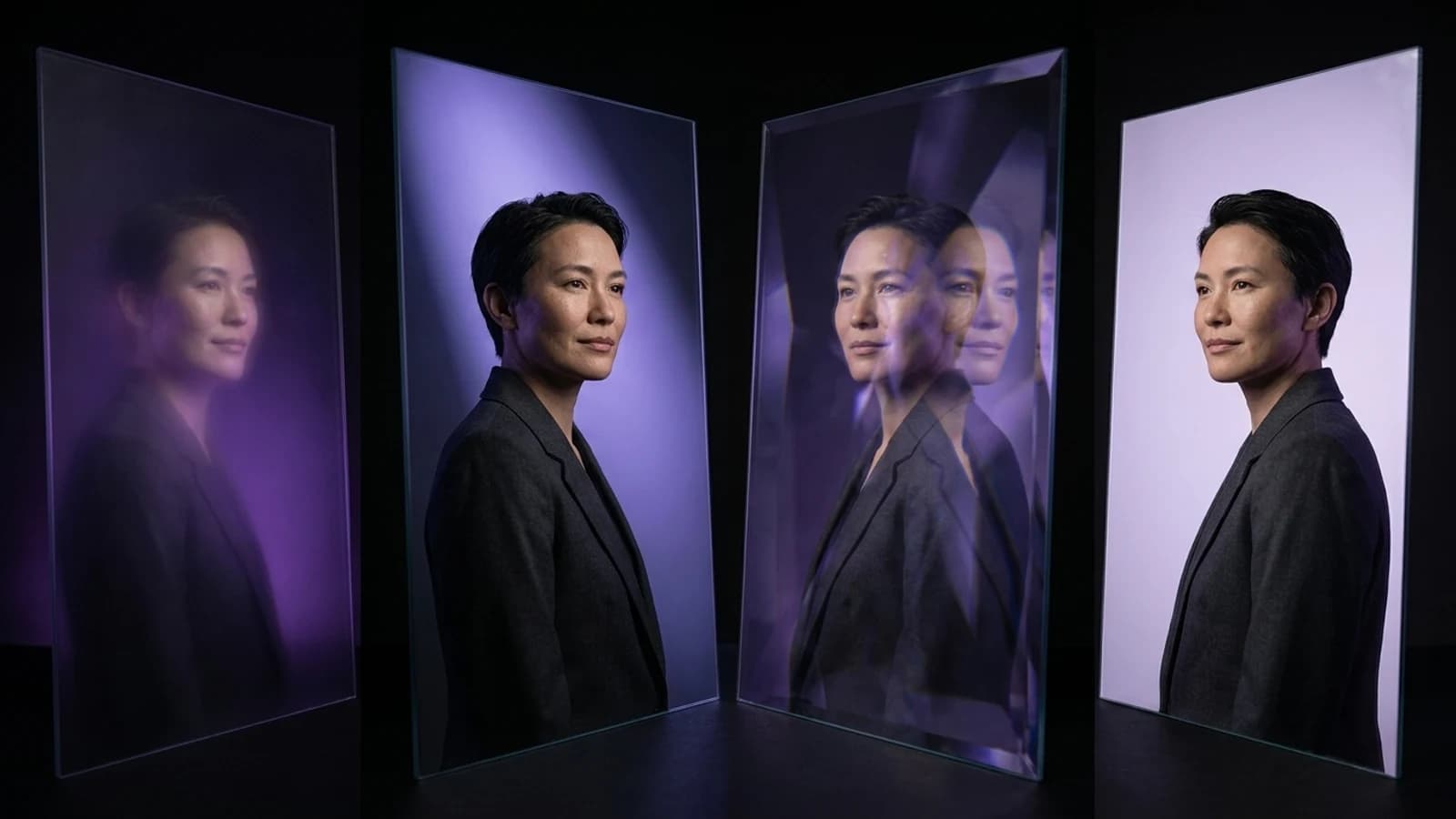
The phrase "Dzine alternative" suggests a specific need: creators who appreciate Dzine's design-first approach but are looking for tools that prioritize different workflows, especially around character consistency, video, or batch content. This article is a documentation-based comparison, not a hands-on benchmark. It focuses on documented features and practical verification steps, rather than general rankings.
Why Creators Consider Dzine Alternatives
Dzine is known for its precision-control design platform, emphasizing styles, layers, and structured edits over pure text-to-image generation. This approach is effective for tasks like product mockups, interior design concepts, and sketch-to-render workflows, with dedicated tools for these specialized design categories. Dzine also provides official guidance on creating consistent characters within its framework.
However, creators building ongoing character-driven content—requiring recurring faces across many scenes, videos, and formats—sometimes need tools built around that specific loop from the start. This isn't a critique of Dzine, but rather a distinction in design philosophy: what each tool was designed to prioritize first.
What Dzine Documents Today
To ensure a fair comparison, it's important to understand Dzine's officially documented scope:
- A dedicated consistent-character guide detailing how to maintain a character's appearance across generations.
- An AI image generator as a core product offering.
- A specialized AI interior design tool, showcasing Dzine's expansion into specific design niches.
- A public FAQ page covering general plan and credit mechanics, without specifying exact figures.
This context is crucial: selecting a Dzine alternative is about aligning a documented workflow with your specific project needs, not about finding a universally "better" tool.
Dzine Alternatives for Specific Creator Workflows
Instead of a broad list, here are three alternatives plus Prism, each offering a distinct documented approach to character-driven or video content.
OpenArt's Character Workspace
OpenArt features a dedicated Character workspace designed for creating and reusing characters across multiple generations. The workflow centers on establishing a character's identity once, then integrating it into new scenes. What to verify: Test how consistently the character's face and proportions are maintained across different poses and lighting conditions. Compare this against Dzine's own approach to character consistency, which relies on its layered editing tools.
Higgsfield's Creator Tools
Higgsfield's creator tools are geared towards users producing image and video content, rather than primarily static design work. Higgsfield offers a creative suite that includes image and video tools, Cinema Studio, character creation, and Soul ID. What to verify: Check the specific export formats and generation modes available on the plan you intend to use. This is important because Dzine's foundation is design-first editing, while Higgsfield's framing leans towards motion and creator output. For broader context on motion-focused platforms, consult Higgsfield alternatives for tool selection.
Runway's Reference-Led Filmmaking
Runway's Gen-4 reference-led filmmaking approach is built around using a reference image or video to guide video generation, aiming for visual consistency across shots. This aligns more with a filmmaking mindset than a design-editor mindset. What to verify: Use the same character or scene reference to generate multiple shot variations. Assess the degree of visual drift between the initial and subsequent shots, then compare this drift to the consistency achieved when repeating a character through Dzine's static editor.
Prism's Reusable Character Across a Full Media Toolkit
Prism's creator workflows begin with a Character tool that accepts either a written description or an owned reference image. Once a character is approved, that same reference is reused across Prism's Image, Video, Motion, Batch, Upscale, Prompt, and Media tools. This eliminates the need to rebuild the character for each new asset type. What to verify: Generate the same character using both the Image and Video tools to compare facial consistency. Additionally, run a small batch through the Batch tool to determine if it significantly reduces repetitive setup compared to producing the same set of assets individually. For a practical starting workflow using this approach, explore how to create an AI influencer.
Comparison Table
| Tool | Documented Workflow | What to Verify Yourself |
|---|---|---|
| Dzine | No-prompt, layer-based design editing with a character-consistency guide | How well the layered editing approach maintains a character's look across new scenes |
| OpenArt | Dedicated Character workspace for reuse across generations | Consistency across different poses and lighting changes |
| Higgsfield | Creative suite with image/video tools, character creation, and Soul ID | Export formats and generation modes available on your chosen plan |
| Runway | Reference-led video generation for consistent characters and scenes | Visual drift across multiple generated video shots |
| Prism | Reusable character system across Image, Video, Motion, Batch, Upscale, Prompt, Media tools | Facial consistency between Image and Video tools, and efficiency of Batch generation |
A Concrete Switching Trial to Run
This is a proposed trial, not a pre-conducted test. Use it as a template for your own evaluation. Select one character description that is relevant to your projects. First, build this character in Dzine, following the steps outlined in its consistent-character guide. Then, build the same character description in Prism's Character tool. Generate five distinct scenes for each version, varying backgrounds and poses. Place the outputs side-by-side. Observe where the face, hairstyle, or proportions show drift, and note the amount of manual re-editing required on each platform to correct any inconsistencies. This direct comparison, using your own project, will provide more valuable insights than any general ranking.
Reasons to Keep Dzine
It's important to acknowledge Dzine's strengths. If your primary work involves static graphic design, product mockups, or interior concept renders, Dzine's specialized tools for these categories, combined with its no-prompt, layer-based editing, may already fulfill your requirements. Switching tools incurs a learning cost, so there's a strong case for continuing with Dzine if your current workflow reliably produces the desired results.
Next Steps
The decision to choose a Dzine alternative often stems from a specific need, such as character consistency across video and batch content, rather than a general desire for static design flexibility. Dzine remains a strong contender for layered, no-prompt design work. OpenArt, Higgsfield, and Runway each address different aspects of the creator-video challenge. Prism's approach combines a reusable character with a broader toolkit, spanning Image, Video, Motion, Batch, Upscale, Prompt, and Media, all in one platform. The most effective next step is to conduct the side-by-side trial described above with your own character and make a decision based on tangible output. If you prefer a structured learning path for these workflows, the Prism Academy offers a good starting point.