If you type "Freepik AI" into a search engine today, you'll likely land on a page that no longer says Freepik. The official Freepik AI URL now redirects to magnific.com/ai, where the page clearly states that Freepik is now Magnific. If the name change has made you reassess your workflow, compare a Freepik alternative against the image, video and character tasks you actually need to complete. This article offers a documentation-based comparison of tools, not a hands-on benchmark.
This guide explains what changed, why the name swap is relevant for your search, and which documented alternatives are worth exploring. We'll also cover where Prism's character and video workflow fits if your priority is consistent, reusable characters rather than general stock-style image generation.
Freepik Is Now Magnific: What This Means for Your Search
For those who previously used Freepik AI, the branding has shifted. The company's official page now presents itself as Magnific, the creative suite formerly known as Freepik. This consolidation means Freepik's AI generation tools are now part of a broader Magnific platform, which also advertises image generation, editing, upscaling, character generation, video generation, editing, and audio capabilities.
It's important to clarify that this Magnific creative suite is not the same product as the older, standalone magnific.ai upscaling service. The name overlap can be a source of confusion, contributing to the search for "Freepik alternative" as creators seek to understand the current landscape.
This article focuses on AI-specific generation and creator workflows. If your primary need is for licensed stock downloads and templates, that involves a different set of considerations than comparing AI image and video generators.
Defining Your Needs for a Freepik Alternative
Before selecting a replacement, it's helpful to identify what aspects of Freepik/Magnific are most critical to your workflow. The term "alternative" isn't one-size-fits-all. A designer focused on clean output might have different requirements than a creator building a recurring character across multiple video clips. Therefore, the most suitable Freepik alternative depends on the specific workflow you need to support.
Prism's Approach to Character Consistency
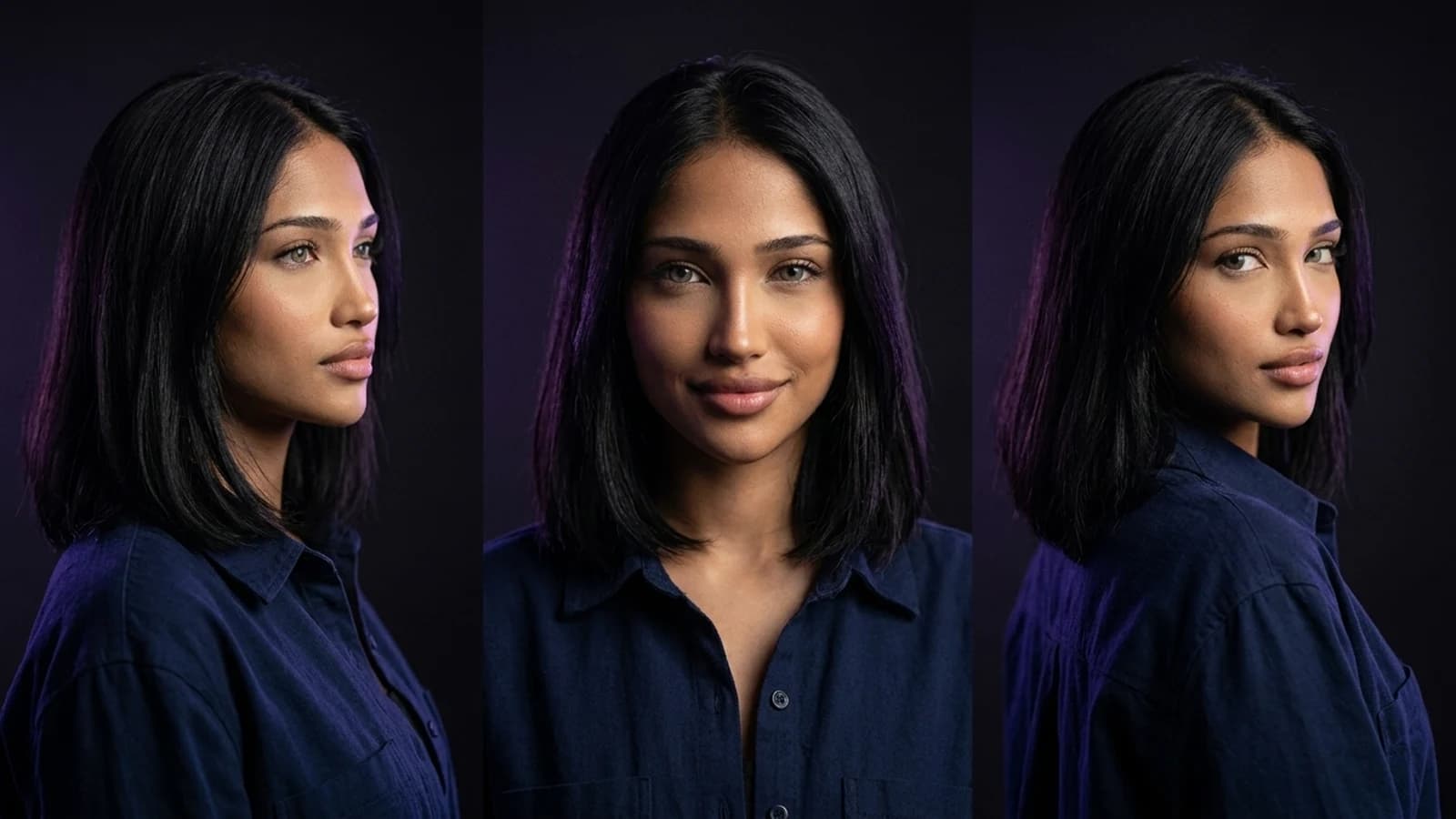
If your main challenge isn't stock images but maintaining character consistency across various content pieces, Prism's creator workflow offers a distinct approach. Prism is designed around reusable fictional characters: you can describe a character or provide an owned reference image, and once approved, that reference can be reused across subsequent generations. This aims to reduce character drift over time.
Around this character core, Prism documents a set of tools including Image, Video, Motion, Batch, Upscale, Prompt, and Media. This combination is intended for creators who need the same face, style, or persona to appear reliably across a series of outputs, which differs from browsing a stock library or generating one-off illustrations.
For those new to a character-first approach, a practical starting workflow is detailed in how to create an AI influencer, which explains the reference-to-reuse pattern. If you're still evaluating different tool categories, Higgsfield alternatives provides broader context for tool selection.
Documented Alternatives for Specific Workflows
Instead of an exhaustive list, here are three alternatives with distinct, documented workflows, along with a specific check for each before committing a project.
OpenArt for Character-Focused Workflows
OpenArt's Character workspace is designed for maintaining a consistent character across generations, supporting character creation and character image/video workflows, including talking video and Motion Sync.
What to verify: How the character workspace handles your specific reference image or description, and whether its documented capabilities align with the media types you need.
Higgsfield for Creator-Focused Generation
Higgsfield's creator tools offer a creative suite with image/video tools, Cinema Studio, character creation, and Soul ID. It's positioned for creators building content who need generation tools tuned to specific output styles.
What to verify: How Higgsfield's tool set overlaps with or differs from the specific Freepik/Magnific features you currently use, as the platforms may address different creative problems.
Runway for Reference-Led Video
For creators prioritizing video, Runway's reference-led filmmaking workflow documents a process that uses reference material to guide generation. Its Gen-4 References workflow supports reference-led characters, scenes, and storytelling.
What to verify: How closely Runway's reference-led process matches the level of consistency you require. Some creators need strict character reuse, while others seek looser stylistic guidance, and these are distinct capabilities.
Quick Comparison Check
| Tool | Documented Workflow | What to Verify Before Switching |
|---|---|---|
| Magnific (formerly Freepik) | Image generation/editing/upscaling, character generation, video generation/editing, audio | Whether the consolidated platform still covers your specific prior Freepik use case |
| OpenArt | Character workspace for consistent character image/video, including talking video and Motion Sync | How the character workspace handles your specific reference, and if it meets your media type needs |
| Higgsfield | Creative suite with image/video tools, Cinema Studio, character creation, Soul ID | Overlap with your current content creation workflow, especially for character persistence |
| Runway | Reference-led image and video generation (Gen-4 References workflow) | How strict the reference matching is for your character or scene consistency requirements |
| Prism | Reusable fictional characters across Image, Video, Motion, Batch, Upscale, Prompt, Media tools | Whether the reference-to-reuse pattern fits your batch-content and character consistency needs |
A Concrete Switching Trial
To determine which tool best fits your actual projects, consider a small, low-risk trial. Take one character or product you currently generate repeatedly in Freepik/Magnific. Then, attempt to recreate that same asset in one of the alternatives listed above, using its documented reference-based workflow. Compare two key aspects: the amount of manual correction needed for each output, and how consistent the result remains across three or four repeat generations. This is a proposed comparison method, and results will vary by use case, so it's a valuable step before making any permanent changes.
Reasons to Keep Freepik/Magnific
It's important to acknowledge that if your workflow relies on an integrated stock library alongside AI generation, the consolidated Magnific suite still offers that combination. This can be a significant convenience that some generation-first alternatives do not replicate. If templates, stock photography, and quick design assets are central to your work, the rebranded Magnific platform may still be a suitable choice.
Next Steps for Your Workflow
The search for a "Freepik alternative" has become more nuanced due to Freepik's evolution into Magnific, and the distinction from the legacy magnific.ai upscaler. This shift provides an opportunity to reassess your creative workflow.
If your primary need is stock assets and general design, the rebranded Magnific suite might still serve you well. If your focus is consistent characters across video and batch content, consider trialing Prism's reference-to-reuse approach, or compare it against OpenArt's character workspace, Higgsfield's creator tools, or Runway's reference-led video process. Whichever direction you choose, conducting a small side-by-side trial on a real asset before committing is advisable. For a structured next step in building out a character-driven workflow, the Prism Academy offers further learning resources.