This article offers a documentation-based comparison of Kling and Runway for image-to-video creation, focusing on their distinct approaches, workflows, and practical considerations. We do not claim to have conducted hands-on benchmarks or tests of these tools. Instead, we analyze their documented capabilities to help you decide which platform aligns best with your creative needs. Research for this comparison was checked on September 7, 2026.
Core Positioning: Kling vs Runway in 2026
Kling and Runway both started as still-image-to-motion tools, but they've grown into different kinds of platforms. Kling positions itself heavily around accessible, fast image-to-video generation with a growing feature set that includes audio and multi-shot workflows, as described in its official documentation. Runway has built its reputation on reference-led filmmaking, feeding the model consistent visual references so a shot holds together across a sequence, which is the core idea behind its reference-led filmmaking approach.
It helps to separate the model from the platform here. "Kling" refers to a family of video models (with version numbers like 3.0) accessed through the Kling platform and API. "Runway" is similarly a platform wrapped around its Gen model series. When people debate Kling vs Runway, they're often really comparing whichever model version they happened to test, not the whole product. That distinction matters if you're reading older reviews; a comment about specific output characteristics may reference a model version that's since been updated.
Image-to-Video Workflow: How Each Platform Handles Your Photo
Kling's image-to-video path is built to take a single photo, apply a text or motion prompt, and generate a short clip that keeps the subject recognizable while adding camera movement or environmental motion. This workflow is aimed at speed: upload, describe the motion you want, generate, review. For example, you might use a prompt like this:
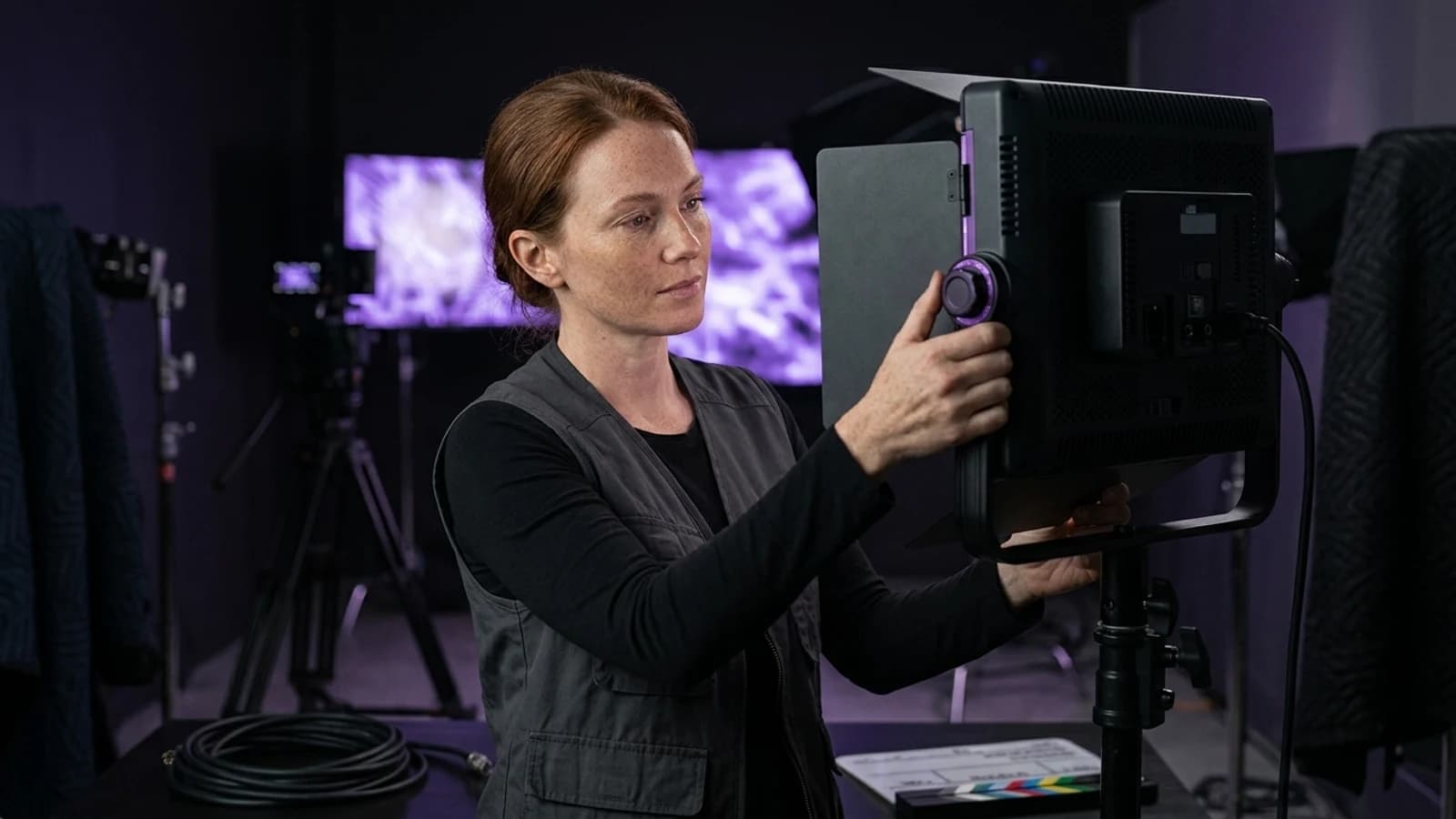
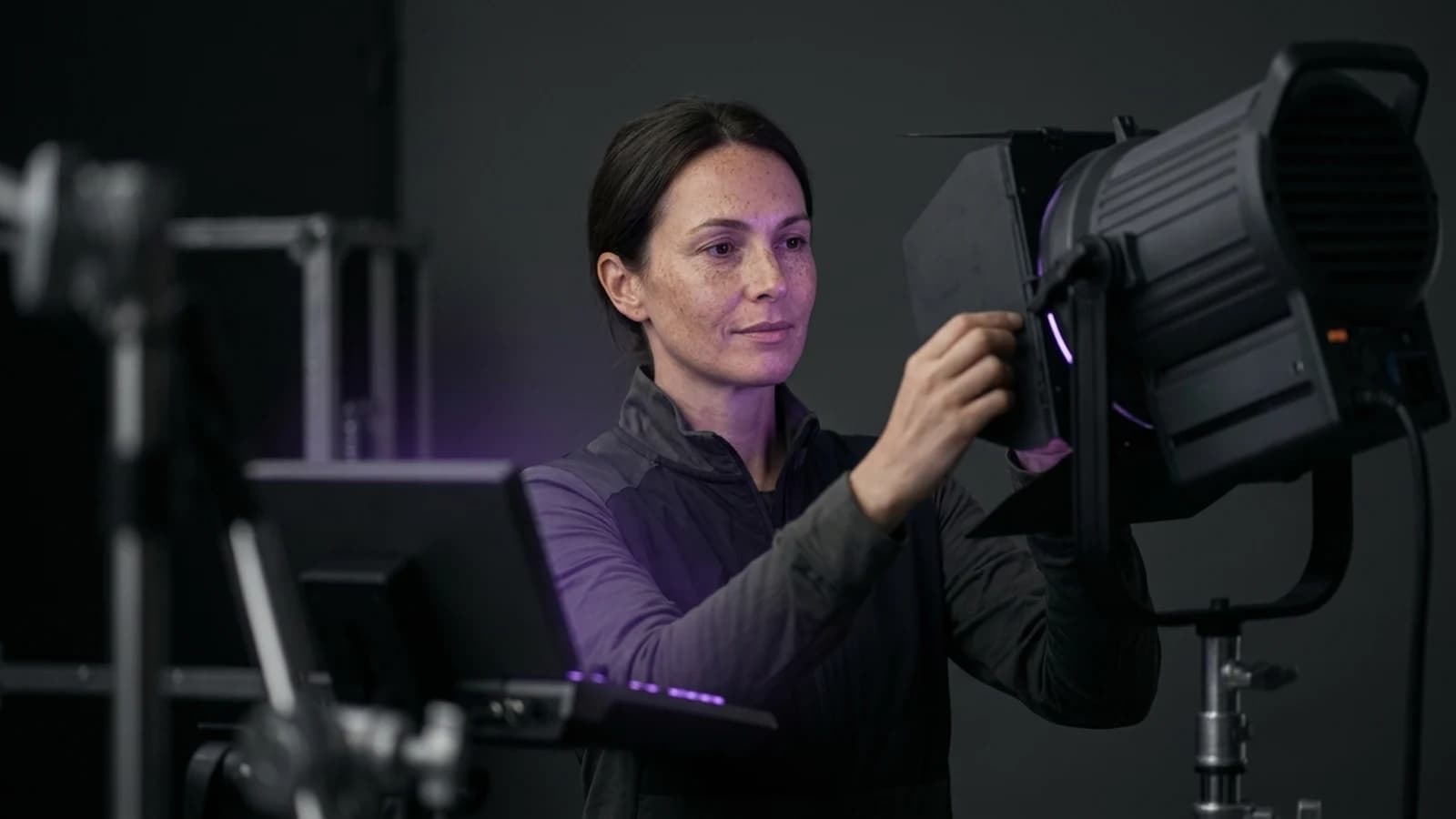
A close-up of a fictional adult woman with freckles, adjusting a camera lens, in a studio with soft, violet lighting.
Motion: Gentle camera pan from left to right, subtle head turn towards the light.
Runway's approach centers on giving the model more to work with, using reference images that establish character appearance, lighting, or style before the clip is generated. This is the philosophy behind Runway's own Gen-4 behind-the-scenes overview, which frames reference handling as the backbone of consistent, filmmaking-style output rather than a one-off effect.
Practically, this means:
- Kling tends to suit quick, single-shot image-to-video conversions where you want motion added fast, as highlighted in its image-to-video feature descriptions.
- Runway tends to suit projects where you need a character or scene to look the same across multiple generated clips, because the reference step is more deliberate.
Neither workflow guarantees a perfect first result. Both platforms expect some regeneration and prompt adjustment, which is normal for image-to-video tools generally.
Motion Realism and Physical Plausibility
This is where many side-by-side comparisons focus. Image-to-video motion has to solve physics problems a text-to-video model doesn't always face; a still photo has no existing camera movement, so the model has to invent plausible motion from a static frame.
Kling's VIDEO 3.0 documentation describes ongoing efforts to improve motion coherence and reduce warping artifacts in image-to-video clips. Runway's reference-led method is designed to reduce a related but different problem: drift, where a character's face or outfit subtly changes between frames or shots. Feeding the model a strong reference image is Runway's stated method for keeping that drift down.
Neither company publishes independent quality rankings, and it would be misleading to claim one model is objectively "more realistic" without side-by-side testing under matching conditions, which this article does not claim to have done.
Resolution, Duration, and Native Audio
Clip length and resolution are worth checking directly on each platform before you commit a project to one tool, since these specifications can change between model releases. What's documented is the direction of travel: Kling's guidance describes ongoing upgrades to its video generation feature set, including audio capability added through its own user guide for lip-sync and voice elements in generated clips. That audio guide covers native sound generation tied to a video clip, which is a meaningfully different feature from simply adding a voiceover afterward in an editor.
Runway's public materials focus more on the reference-and-consistency side of filmmaking than on native audio generation as a headline feature. If audio-in-the-clip is a priority, check each platform's current documentation rather than assuming feature parity, as availability shifts by region and plan.
Speed, Iteration, and Pro Workflow Control
Speed matters differently depending on your job. If you're producing high volumes of short social clips, generation speed and how easily you can iterate on a prompt matter more than fine camera control. Kling's platform is generally described as optimized for quick generation cycles, useful when you're testing several motion prompts on the same image.
Runway's reference-led model is built for a slower, more deliberate loop: set the reference, generate, check consistency, adjust the reference or prompt, generate again. That's a heavier workflow, but it's aimed at people producing sequences meant to hang together as a short film or advertisement, not single throwaway clips.
Neither platform's official materials claim to eliminate the need for review and re-generation; both still require a human check before publishing.
Pricing, Credits, and Free Tiers
Both platforms use credit- or subscription-based access rather than pay-per-video pricing, and both have historically offered limited free access to try image-to-video generation. Exact tier names, credit counts, and limits change often enough that quoting specific numbers here would go stale fast. Always check each platform's own pricing page at the time you sign up rather than relying on older reviews or third-party summaries.
Character Consistency, References, and Camera Control
This is arguably the most practical difference in the Kling vs Runway conversation for creators building recurring characters or branded content.
- Kling accepts an image and generates motion from it, with its image-to-video feature designed for single-shot consistency within that clip.
- Runway is explicitly built around feeding in references before generation, aiming for consistency across multiple generated shots, not just within one, as detailed in Runway's Gen-4 workflow.
Camera control (pans, zooms, simulated dolly moves) is available on both platforms through prompt language, though the precision and predictability of camera behavior is one of the areas where model version really matters. This is a claim best verified against current documentation rather than older comparison posts.
Kling vs Runway at a Glance
| Factor | Kling | Runway |
|---|---|---|
| Core strength | Fast single-image-to-video generation (Kling's image-to-video feature) | Reference-led consistency across shots (Runway's Gen-4 workflow) |
| Native audio | Documented audio/lip-sync guide available (Kling's audio guide) | Not a headline documented feature |
| Best for | Quick clips, high-volume testing | Sequences needing visual continuity |
| Access | Platform + API (Kling's official interface) | Platform-based |
| Model naming | Versioned model family (e.g., 3.0) (Kling VIDEO 3.0 guide) | Versioned Gen model series |
| Review step needed | Yes | Yes |
Editing and Review Workflow
Whichever tool generates the clip, treat the output as a draft, not a final asset. Review for:
- Face and body consistency across the clip, especially near hands and fast motion.
- Background stability, since image-to-video models can warp static elements behind a moving subject.
- Audio sync, if you used a native audio feature, checking that mouth movement roughly matches generated sound, as described in Kling's audio guide.
Plan on at least one regeneration pass for anything client-facing. If you're building a repeatable content pipeline rather than a one-off clip, it's worth reading through a practical starting workflow for creating an AI influencer before picking a primary tool, since character consistency needs shape which platform makes sense long term.
Which Creator Should Choose Kling vs Runway?
Choose Kling if you're producing high volumes of short clips from single images, want a fast generate-review-regenerate loop, and are interested in native audio features tied to the clip itself, as detailed in Kling's documentation.
Choose Runway if your project depends on a character or scene looking consistent across several separate shots, and you're willing to spend more time setting up references before generating, as outlined in Runway's Gen-4 workflow.
Keep your current tool if it already fits your pipeline and output quality. Switching platforms mid-project usually costs more in re-learning prompts and re-establishing references than it gains in marginal quality improvements. If you're still weighing options broadly, the guide to Higgsfield alternatives covers how to evaluate tool fit rather than chasing whichever model is trending that month.
Where Prism Fits Into an Image-to-Video Workflow
Prism isn't a competitor to either model; it's a creator tool for the steps around generation. Prism's character tool accepts a description or an owned reference image, then reuses that approved reference across later assets, which is useful prep work before you ever open Kling or Runway. Its Image, Video, Motion, Batch, Upscale, Prompt, and Media tools help standardize a character or scene before it goes into a video model, and can help clean up or upscale output afterward. Prism doesn't replace Kling's or Runway's rendering engines, and it's not automatically the "better" choice; it's a related workflow layer worth trying if reference prep or batch consistency is your current bottleneck.
Model Maturity and What Comes Next
Kling's model line has moved through several versions, with 3.0-era releases documented as improving motion handling and feature breadth. Runway has similarly iterated its Gen series with a consistent focus on reference-driven generation. Looking ahead, it's reasonable to expect both companies to keep narrowing the gap on motion realism and consistency, but that's a forward-looking expectation, not a documented fact, and specific future capabilities shouldn't be assumed until each platform confirms them.
If you're new to AI video generation generally and want structured lessons rather than trial and error, the Academy is a reasonable next stop before committing budget to either platform.
Making Your Choice and Next Steps
The Kling vs Runway decision isn't about crowning a winner; it's about matching a tool to the job. Kling suits fast, high-volume image-to-video work with growing native audio options. Runway suits projects that need a character or scene to hold together across multiple shots, at the cost of a slower setup. Start by defining whether your next project needs speed or continuity, test the platform's current free or entry tier against that specific need, and keep your existing workflow if it's already delivering. Whichever model you choose, build your reference images and character descriptions carefully first; that prep work matters more to final quality than which logo is on the generation button.