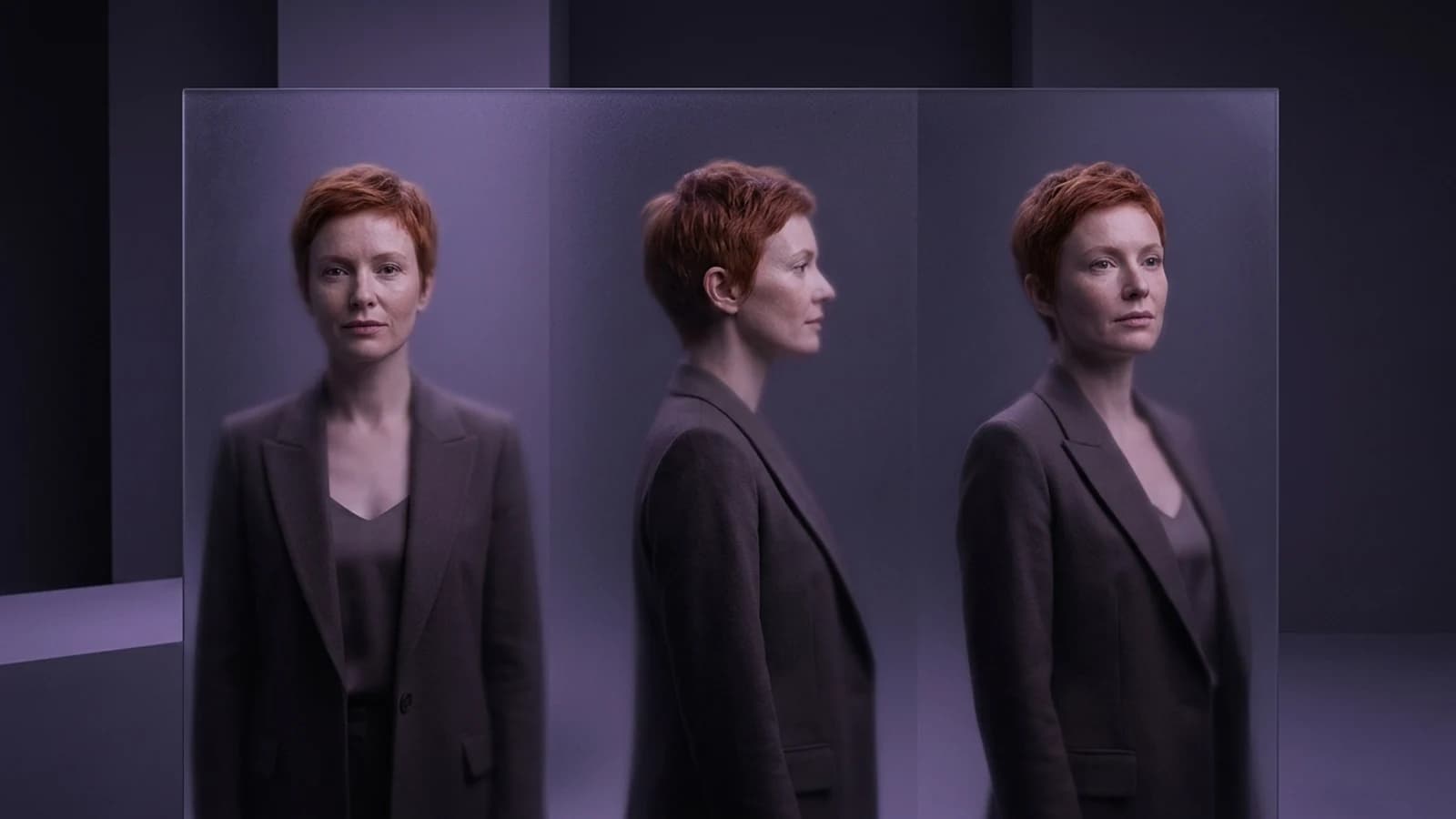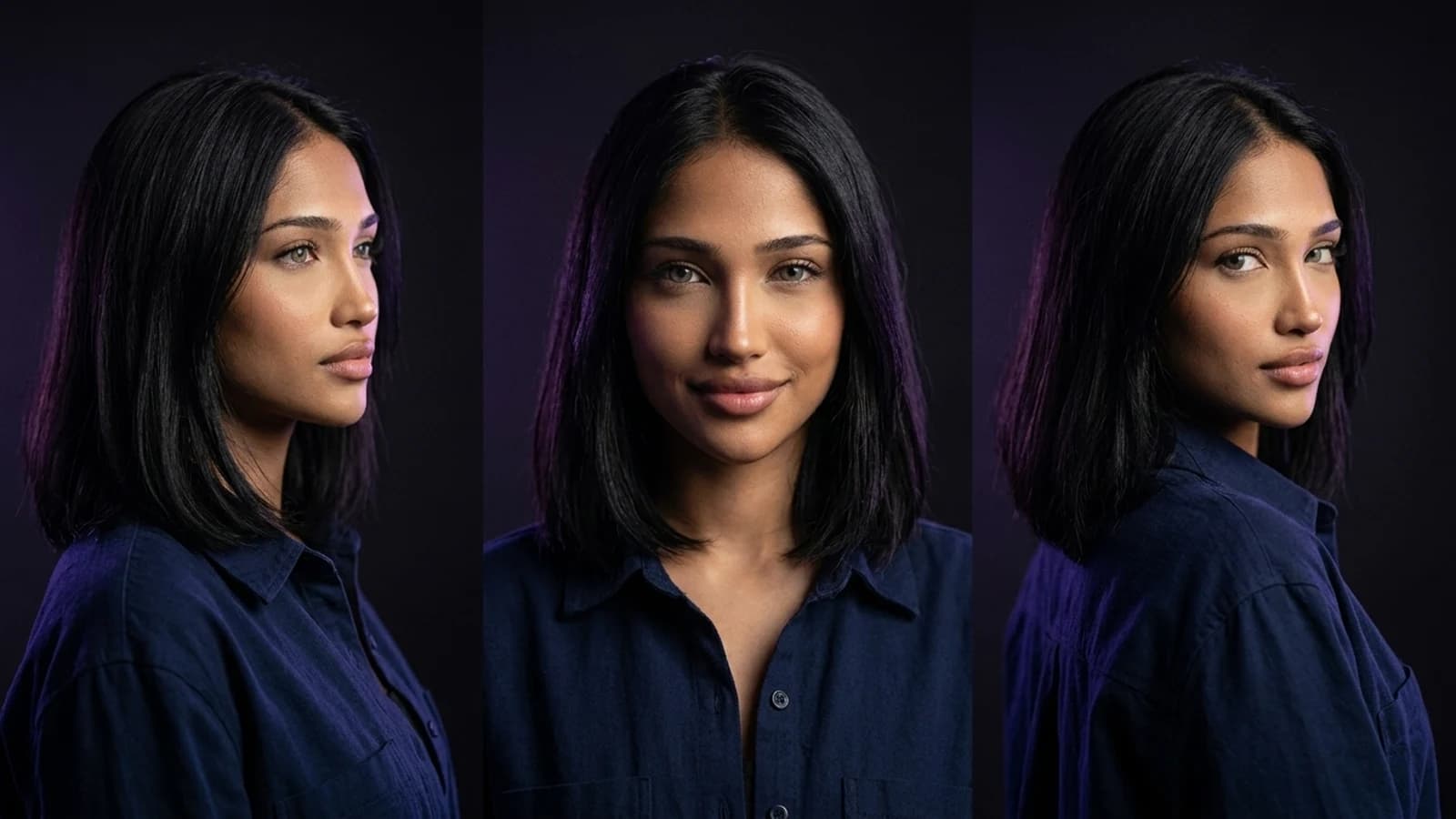
Creators often explore multiple tools to achieve specific goals like consistent characters, usable video clips, or brand-aligned backgrounds. If you're weighing a leonardo ai alternative for your projects, it's important to understand that different platforms excel in different areas. This guide offers a documentation-based comparison, not a hands-on benchmark, of several relevant alternatives. We'll walk through their documented workflows, key checks before switching, and how Prism's creator workflows fit in if reusable characters and a comprehensive toolkit are your priority.
Why Creators Look for a Leonardo AI Alternative
While Leonardo AI's creative tools are known for flexible image generation and an approachable interface, creators often seek alternatives as their projects evolve. For instance, maintaining a consistent character across many images for social content, translating a still image's look into motion for video, or navigating commercial use terms are common needs that extend beyond a single image generator. These are typical reasons creators explore new tools once their initial experiments grow into more complex projects. Platforms like Midjourney offer specific image creation workflows with reference capabilities, while others focus on different aspects of content generation.
What Actually Changes When You Switch Tools
Before treating any of these as a drop-in replacement, it helps to separate the platform from the model running underneath it. Leonardo, Midjourney, and Prism are platforms; they wrap a user interface, storage, and workflow tools around one or more underlying image or video models. The model itself (a diffusion architecture, a specific Stable Diffusion variant, or a proprietary model) determines the raw visual style and quality ceiling, but the platform determines how usable that quality is day to day: can you reuse a character, batch a set of variations, or move from a still to a video clip without re-uploading everything.
That distinction matters because a platform can swap or add models over time, so "which model is best" is a moving target, while "which workflow fits my process" is something you can actually test today.
Documented Leonardo AI Alternative Workflows Worth Comparing
OpenArt's Character Workspace
The OpenArt Character workspace is built around keeping a character's look stable across multiple generations, which is a common need for creators. The official documentation describes support for character creation and character image/video workflows, including talking video and Motion Sync. What to verify: how the workspace handles a character reference once it's set, and whether outputs across different scenes actually hold the same face, outfit, or proportions closely enough for your content.
Higgsfield's Creator-Focused Tools
Higgsfield's creator tools are documented as a creative suite with image/video tools, Cinema Studio, character creation, and Soul ID. This focus on motion and stylized video generation is aimed at short-form content creators rather than static image work. If your priority is short clips over still images, this represents a different workflow than Leonardo's core image generator. What to verify: the input format it expects (image, prompt, or both) and how much control you have over pacing and camera movement in the output. For a broader look at how Higgsfield compares to other tools in this space, see this breakdown of Higgsfield alternatives, which covers tool-selection tradeoffs beyond just Leonardo.
Runway's Reference-Led Filmmaking
Runway's Gen-4 reference-led filmmaking approach is documented as letting creators anchor a video generation to a specific visual reference rather than starting from a blind text prompt. This matters for anyone trying to keep a consistent look across multiple video shots, a common challenge when moving from image tools to video. What to verify: how closely the reference actually constrains the output across a full sequence, not just a single clip, and what reference formats are accepted.
Where Prism Fits as a Leonardo AI Alternative
Prism's creator workflows take a different angle: instead of one generator optimized for a single output type, the documented scope covers reusable characters alongside Image, Video, Motion, Batch, Upscale, Prompt, and Media tools in one place. Character creation works by starting from either a written description or an owned reference image, and once that reference is approved, it's reused across later generations rather than re-prompted from scratch each time.
This matters for creators who found Leonardo's core generator useful but kept needing separate tools for video, batching, or upscaling. Rather than stitching together multiple subscriptions for an image generator, a video tool, a batch processor, and an upscaler, the appeal of consolidating into one workflow is fewer handoffs and less risk of a character's look drifting between tools. If you're just getting started with this kind of reusable-character approach, the practical starting workflow is covered in how to create an AI influencer, which walks through the character-first process step by step.
That said, consolidation is a tradeoff, not a universal upgrade. A creator who only needs occasional stylized art with no reuse requirement may not need a multi-tool platform at all.
Comparison Table: Workflow and What to Verify
| Tool | Documented Workflow | What to Verify |
|---|---|---|
| Leonardo AI | Text-to-image generation with style presets | Whether newer model options match your specific style needs |
| OpenArt Character workspace | Dedicated character consistency tools | Reference retention quality across multiple scenes |
| Higgsfield | Motion and short-form video generation | Input requirements and control over pacing/camera |
| Runway Gen-4 | Reference-led video generation | Consistency across a full multi-shot sequence |
| Prism | Reusable character + Image, Video, Motion, Batch, Upscale, Prompt, Media tools | Whether one consolidated workflow covers your current multi-tool stack |
A Simple Switching Trial to Run This Week
Rather than migrating a whole project at once, consider a small, proposed trial (hypothetical example, not a tested benchmark):
- Pick one existing character or visual style you already use in Leonardo.
- Recreate it in one alternative from this list using its documented reference or character feature.
- Generate the same handful of scenes or poses in both tools.
- Compare consistency side by side: does the face, outfit, or style hold up across variations?
- Check each platform's stated terms for commercial use and credit or usage limits before committing real client work to either one.
This kind of side-by-side check tells you more in an afternoon than any ranked list, because it's measuring your actual use case rather than a generic benchmark.
When Sticking With Leonardo Still Makes Sense
None of this means Leonardo is obsolete. Leonardo AI's creative tools remain a reasonable choice for creators who mainly need flexible text-to-image generation with style presets and don't need heavy character reuse or built-in video tooling. If your workflow already runs smoothly there, switching purely because a comparison list says so isn't a good reason. The right move is matching the tool to the specific gap you've hit—consistency, video, batching, or commercial terms—rather than chasing whichever platform ranks first this month.
Next Steps
There isn't one universal leonardo ai alternative for every creator. Tools like OpenArt, Higgsfield, and Runway offer specialized approaches to character consistency and video generation. Prism's creator workflows, with its documented scope covering reusable characters alongside Image, Video, Motion, Batch, Upscale, Prompt, and Media tools, is worth considering if you aim to consolidate multiple creative tasks into a single platform. The best approach is to start small: run the proposed switching trial on one character before committing a full project. For further exploration of tool selection and structured learning, the Higgsfield alternatives comparison and the Prism Academy are valuable next steps.