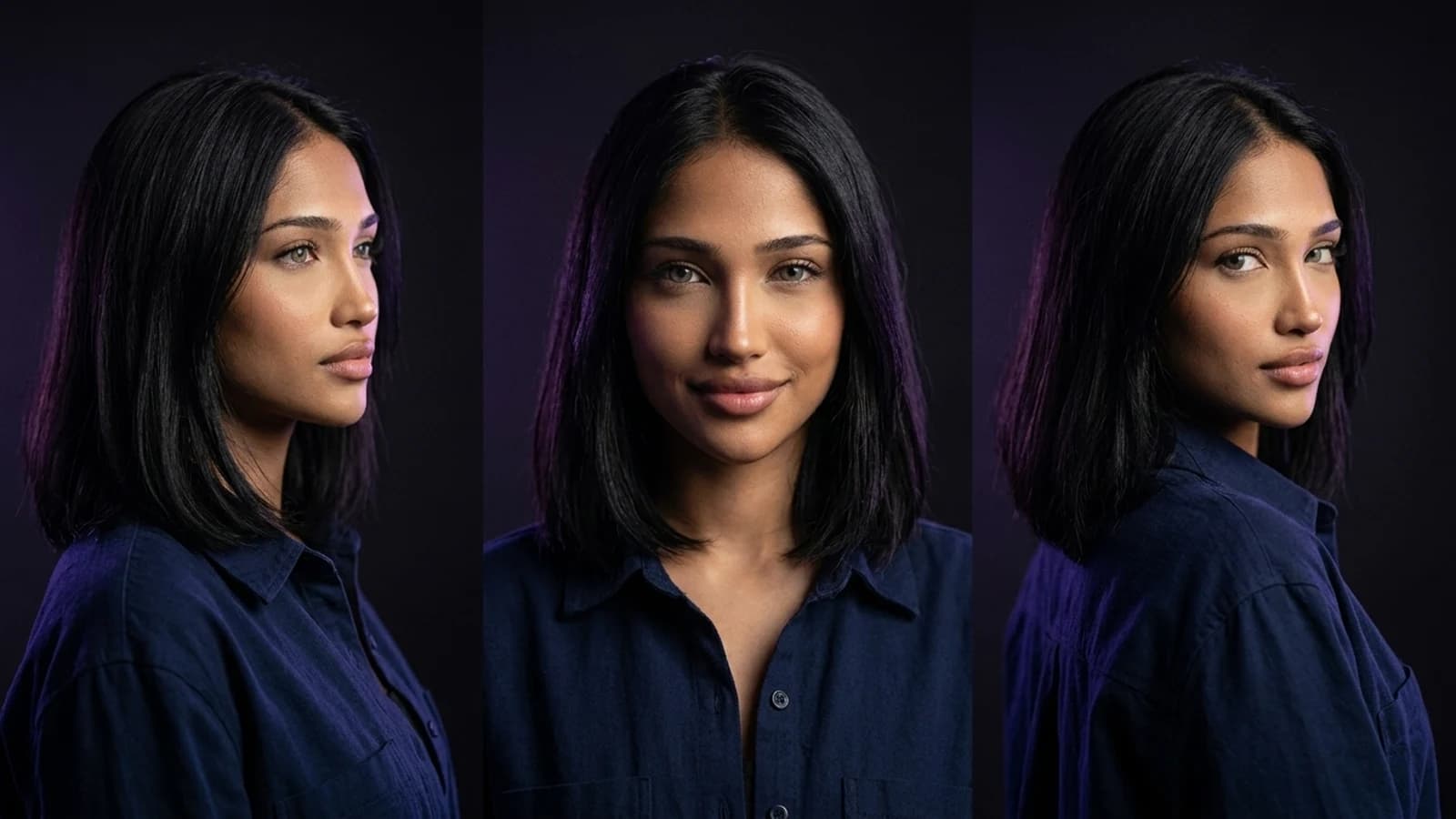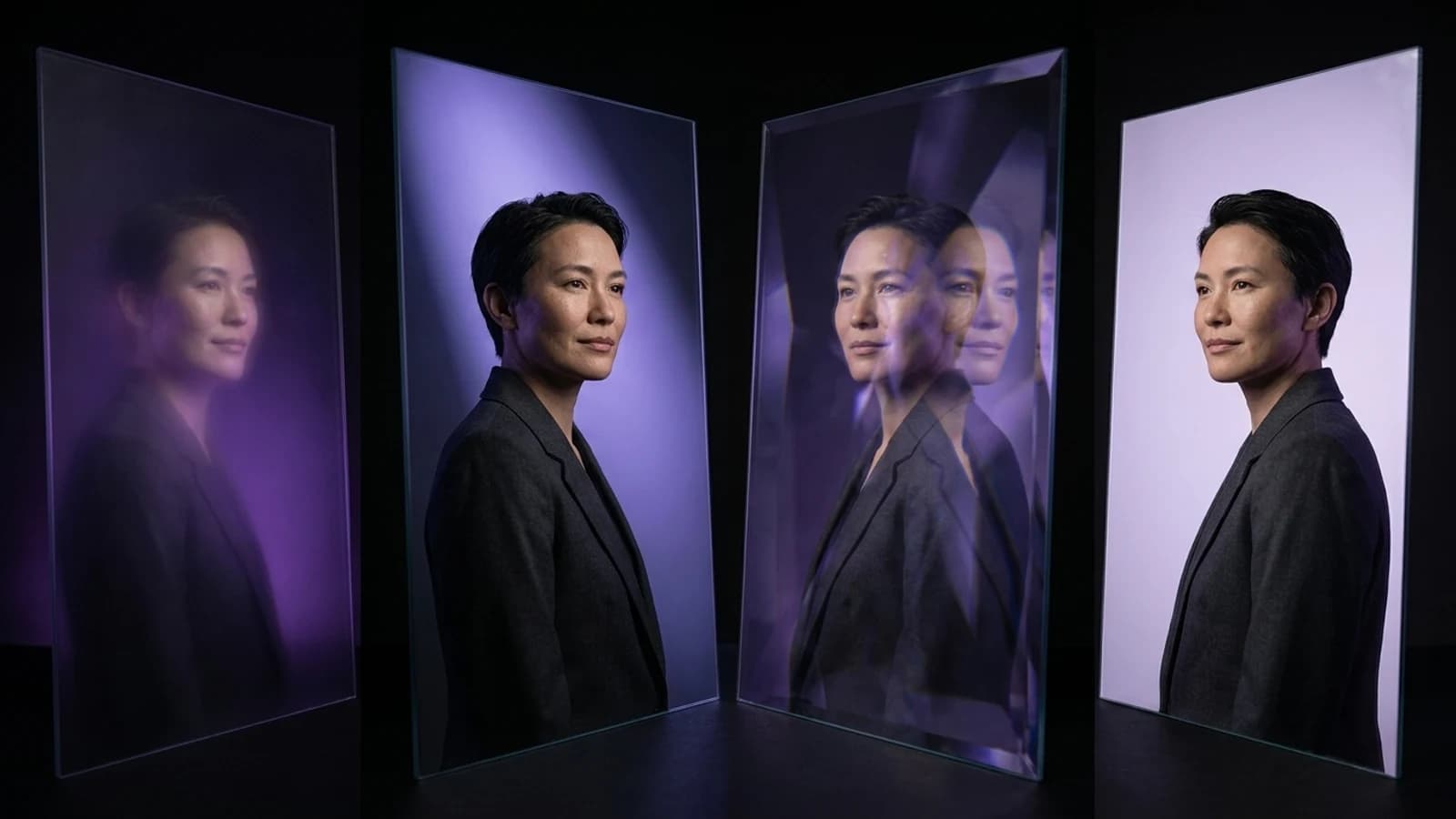
Luma's Dream Machine has become a notable tool for image-to-video creation, offering a pathway for creators to generate short video clips from prompts or reference images. However, as the field of AI video generation evolves, creators often seek alternatives for specific project needs, such as longer sequences, more precise control, or integrated content pipelines. This guide explores Luma's documented capabilities, presents four alternatives with distinct workflows, and clarifies how a character-and-content platform like Prism offers a different scope for creators focused on consistent character-driven content.
This comparison is based on publicly available documentation and official source URLs, not hands-on benchmark testing.
Why Creators Explore Luma AI Alternatives
Luma's official documentation describes Dream Machine as a tool for transforming text prompts or reference images into short video clips, incorporating camera movement and physics-aware motion. It's important to note that "Luma" and "Dream Machine" are often used interchangeably, with Dream Machine representing the core image-to-video functionality within the Luma Labs offerings. This distinction can be relevant when evaluating the company's broader platform versus a specific model's output.
Creators often look for a Luma AI alternative when their projects require capabilities beyond single, short clips. These needs might include generating longer or more cinematic sequences, achieving finer control over camera movements, or establishing a repeatable content pipeline that demands consistency across multiple assets rather than one-off videos.
Four Luma AI Alternatives with Distinct Workflows
Instead of an exhaustive list, here are four alternatives that document genuinely different approaches to image-to-video generation.
Runway Gen-4: Reference-Led Filmmaking
Runway's Gen-4 model emphasizes reference-driven consistency. This workflow allows creators to maintain a consistent scene, character, or style across multiple shots by using reference images, rather than relying solely on repeated text prompts. Runway's own behind-the-scenes material illustrates this reference-led approach for filmmakers who require continuity across a sequence, as detailed in Runway's Gen-4 filmmaking breakdown. This represents a distinct workflow for projects demanding multi-shot consistency.
What to verify: Assess whether Gen-4's reference handling delivers the specific continuity required for your project, as documented capabilities and individual use cases can vary.
Kling: Model-Version-Aware Video for Longer Sequences
Kling's official quickstart guide outlines its video model workflow, including how to structure prompts and inputs for its Kling VIDEO 3.0 model. This model is positioned for generating longer, more cinematic sequences. It's crucial to distinguish between the platform (Kling) and specific model versions (e.g., VIDEO 3.0), as features and quality documented for one version may not apply to others. The Kling VIDEO 3.0 user guide provides further details.
What to verify: Confirm which specific Kling model version is being discussed in any review or comparison, as platform-level marketing and model-level documentation can differ.
Pika: Fast Iteration for Social Content
Pika's platform offers video tools oriented towards quick generation and iteration, a workflow suitable for creators who need to test many short clips rapidly rather than focusing on a single, highly polished cinematic shot. This approach is highlighted on Pika's video tools page.
What to verify: Evaluate how Pika's output quality performs at the specific resolution and length required by your target platform, such as Reels, TikTok, or YouTube Shorts.
Aggregator Platforms: Access to Multiple Models
A growing trend involves aggregator platforms that provide a single interface to route prompts to various underlying models, such as Veo, Kling, PixVerse, or Vidu. If considering this approach, remember that you are comparing access to several models against Luma's single, documented pipeline. This differs from a direct model-to-model comparison.
What to verify: Check if the aggregator platform discloses which underlying model produced your specific output, as quality and style can vary between models even within the same interface.
Luma AI Alternative Comparison at a Glance
| Tool | Documented Workflow | What to Verify Yourself |
|---|---|---|
| Runway Gen-4 | Reference-led, multi-shot consistency | Continuity match for your specific character/scene |
| Kling (VIDEO 3.0) | Longer, cinematic sequences | Which model version a review is discussing |
| Pika | Fast iteration for short social clips | Output quality at your target resolution/length |
| Aggregator (e.g., Novi AI) | Routes prompts across multiple models | Which underlying model produced your result |
Where Prism Fits Alongside a Luma AI Alternative
It's important to recognize that Luma, Runway, Kling, and Pika primarily offer video-generation models or platforms focused on transforming an image or prompt into motion. Prism operates with a different scope. It is designed around reusable fictional characters, which can be created from a written description or an owned reference image, approved once, and then consistently reused across various projects. This is paired with a suite of production tools including Image, Video, Motion, Batch, Upscale, Prompt, and Media.
This distinction is significant if your primary challenge is maintaining character consistency across numerous pieces of content, rather than simply generating a single video clip. Prism's Batch and Upscale tools also address different production needs: generating multiple consistent outputs and refining resolution, as opposed to solely focusing on the speed of a single clip's generation.
For those new to character-based content, a practical starting workflow is outlined in how to create an AI influencer, which emphasizes a character-first approach. If you're still evaluating different tool categories, the insights in Higgsfield alternatives offer relevant context for tool-selection logic.
A Concrete Switching Trial to Run
Instead of relying solely on headlines, consider running a small, controlled comparison yourself. This is a proposed trial, and actual results will depend on your specific images, prompts, and the model version active at the time of your test:
- Select one reference image for which you hold the necessary rights.
- Process this image through Luma's documented image-to-video workflow.
- Process the same image through one alternative from the table above.
- Compare the two outputs against one fixed criterion, such as how effectively camera motion follows your prompt, or how consistently a character's face is maintained across the clip.
- Repeat this process with a second, different reference image before drawing any conclusions.
When Sticking with Luma Makes Sense
This exploration of alternatives does not imply that Luma is no longer a viable tool. Its documentation highlights a mature, purpose-built image-to-video pipeline that meets the needs of many creators. If your workflow is straightforward—one strong reference image in, one polished clip out—then introducing new tools might add unnecessary complexity without a clear benefit. The purpose of evaluating a Luma AI alternative is to determine if a different documented workflow specifically addresses a current production challenge you are facing, not to encourage an automatic switch.
Next Steps
Choosing a Luma AI alternative is most effective as a targeted decision. Runway offers strengths in multi-shot continuity, Kling for longer cinematic sequences (with model version awareness), Pika for fast social iteration, and aggregators for broader model access. If your primary bottleneck is character consistency across multiple content pieces, Prism's character-reuse and production toolset offers a distinct solution. Begin with a small, focused trial using your own reference images. For a structured next step in building character-based content, Prism's Academy provides resources to delve deeper.