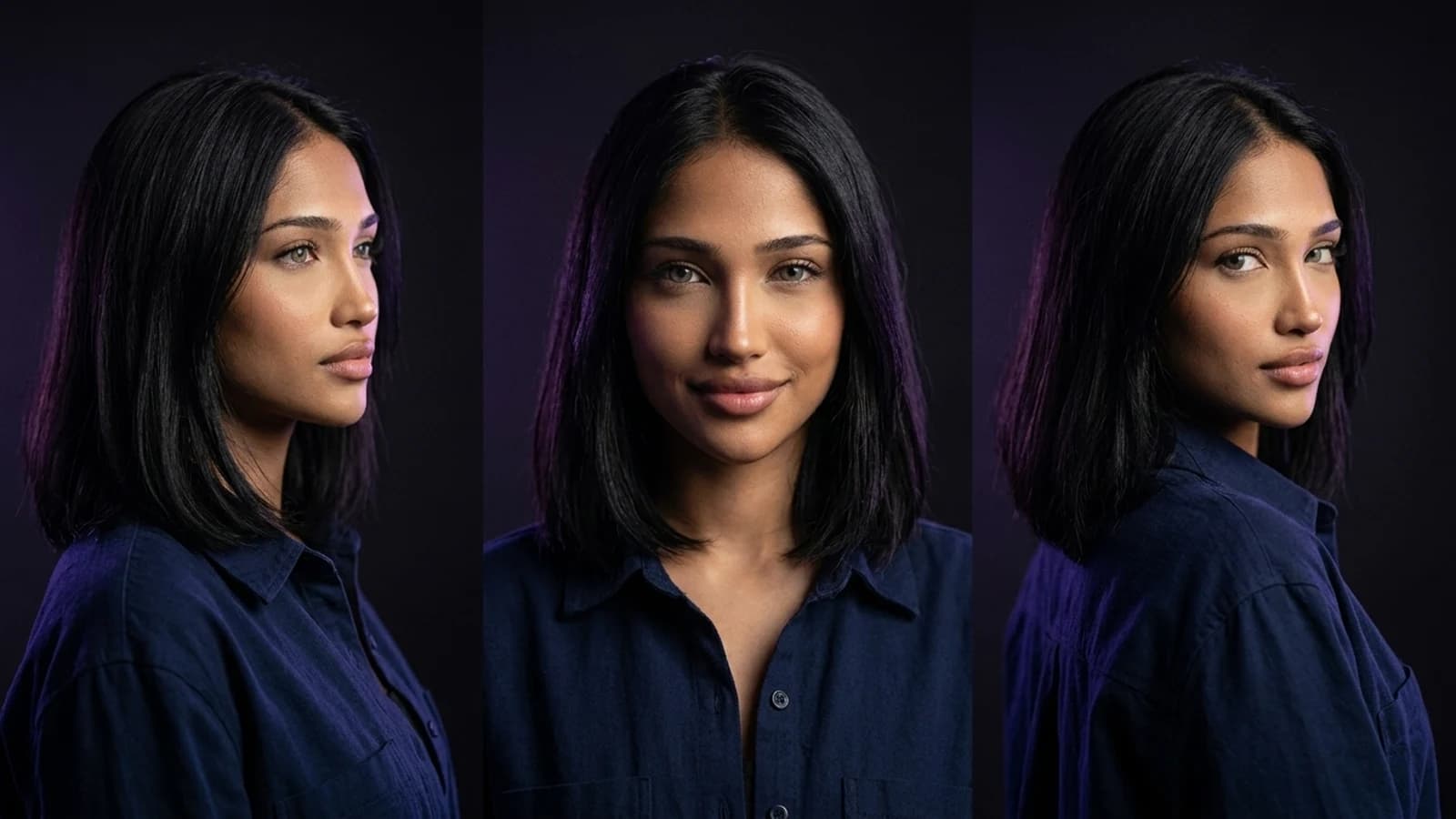
Searching for "photo AI alternative" often brings up tools primarily designed for single, polished headshots. While valuable for professional profiles, many creators need a different approach: a repeatable way to establish a character, maintain its consistency across numerous images, and then extend those visuals into short videos or social content without starting from scratch. This guide explores photo AI alternatives specifically from a creator's perspective, focusing on reusable characters, batch output, and video-ready assets, rather than just one-off portraits. As a documentation-based comparison, not a hands-on benchmark, this article relies solely on publicly documented features and workflows.
Why Creators Seek Beyond Single-Shot Photo AI
Photo AI documents a core offering of simulated studio photoshoots, generating portrait-style images from user references, primarily for professional and personal branding. This is a focused and effective tool for that specific purpose. If the goal is a one-time professional portrait, Photo AI remains a reasonable choice, and switching tools purely for the sake of it may not be necessary.
However, the need for ongoing content — recurring characters, varied outfits, multiple scenes, or short video clips built from the same persona — often requires a broader workflow than a single-shoot headshot generator is designed to cover. This is where creators look for tools that support character consistency across a series of outputs and facilitate motion or video content.
Alternative 1: OpenArt's Character Workspace
OpenArt's Character workspace documents a workflow centered on creating and reusing a character across multiple generations. This is particularly useful for creators who publish regularly, as it aims to ensure the same face appears consistently in different outfits, settings, and moods. The platform supports character image and video workflows, including talking video and Motion Sync.
What to verify before switching: Assess how consistently the character reference holds up across a full batch of varied poses and backgrounds. Consistency across a large number of outputs is a more robust test than just a few samples, especially when planning content for an extended period.
Alternative 2: Higgsfield's Creator Tools
Higgsfield's creator tools are positioned around broader creator content workflows, encompassing image and video tools, Cinema Studio, character creation, and Soul ID. For readers considering this option, a wider view of tool selection in this space can be found in the Higgsfield alternatives comparison, which offers additional context on tool selection.
What to verify before switching: Confirm that the platform's documented tools align with your specific creator workflow needs, whether that's image sets, video, or a combination of both, as the term "creator tools" can encompass various feature sets.
Alternative 3: Runway's Reference-Led Filmmaking
Runway's Gen-4 reference-led approach documents a workflow built around feeding reference material into video generation. This is relevant for creators whose "photoshoot" output needs to evolve into a short clip, a behind-the-scenes-style video, or other motion content derived from a consistent reference. Runway's creative suite includes various image and video tools.
What to verify before switching: Evaluate the amount of manual reference input and iteration the documented workflow requires to achieve a usable clip. Consider whether this fits your actual production pace for ongoing content versus a one-off cinematic experiment.
Where Prism Fits for Creator Photoshoots
Prism offers a distinct approach by focusing on a reusable character as the starting point, rather than a single photo request. A character can be created from either a written description or an owned reference image. Once approved, this character is designed to be reused across subsequent generations, eliminating the need to rebuild it each time.
From this reusable character, Prism's documented toolset covers:
- Image: Generate portrait and scene-based stills using the approved character.
- Video: Extend character-based content into short video output.
- Motion: Add movement to existing visuals.
- Batch: Produce multiple variations in one pass, useful for content calendars.
- Upscale: Increase resolution on selected outputs.
- Prompt: Refine the instructions driving generations.
- Media: Manage the resulting assets in one place.
This structure is designed for creators who publish regularly across formats, rather than those who primarily need a single professional headshot. For a practical starting sequence, the step-by-step guide to creating an AI influencer walks through building that first reusable character before scaling into batch or video work.
A Fair Side-by-Side Comparison
| Tool | Documented workflow | What to verify |
|---|---|---|
| Photo AI | Simulated professional photoshoot from references | Whether headshot-only output covers your actual need |
| OpenArt Character workspace | Reusable character generation across multiple images | Consistency across a full batch, not just a few samples |
| Higgsfield creator tools | Broader creator-focused generation tools | Which specific tools are currently included and whether they match your format |
| Runway (Gen-4, reference-led) | Reference-driven video and motion generation | Manual effort required per clip versus your production speed |
| Prism | Reusable character plus Image, Video, Motion, Batch, Upscale, Prompt, Media | Whether batch and video tools fit an ongoing content schedule |
Pricing across serious alternatives in this space generally clusters in a lower monthly range with higher tiers for teams or heavier volume. However, exact numbers shift often, so checking each provider's current public page directly is more reliable than any fixed figure quoted here.
A Concrete Switching Trial to Run (Hypothetical Example)
Instead of relying solely on feature lists or general rankings, a small hands-on trial can provide more direct answers. As a hypothetical example of how this might work: a creator could take one existing photo of themselves (or a fictional persona description), use it to build a character in one tool, and then generate the same five scene ideas across two platforms being compared. These scenes could include a studio portrait, an outdoor shot, a close-up, a full-body pose, and one action pose. The key check isn't which single image looks best, but whether the character's face, hairstyle, and general look remain recognizable and consistent across all five outputs. Additionally, assess whether turning one of these outputs into a short video clip is realistic within the documented workflow of each platform. This type of side-by-side comparison is often more useful than a generic features list, as consistency and batch reliability are critical factors for creators aiming to scale beyond a single hero shot.
Choosing Based on the Actual Job
The honest takeaway is that searches for "photo AI alternative" often conflate two distinct needs: a single polished portrait, or an ongoing character-driven content pipeline. Photo AI continues to serve the first case effectively. OpenArt, Higgsfield, and Runway each document strong components for the second case, depending on whether the priority is character consistency, broader creator tooling, or video motion. Prism's reusable-character-plus-toolset approach is specifically designed around that second, ongoing use case.
For anyone still deciding between platforms generally, not just Photo AI specifically, the Higgsfield alternatives breakdown offers additional tool-selection context. The Prism Academy is also a reasonable next stop for structured guidance on building out a full creator workflow once a character and toolset are chosen.
Next Action
Picking a photo AI alternative isn't about finding the single "best" tool; it's about matching the tool to your specific job: a one-time headshot, a consistent recurring character, or a full content pipeline that includes batch images and video. Start by defining which of those three you actually need this month. Then, run a small trial, like the five-scene consistency test described above, before committing a workflow to any one platform. If your goal is a reusable character that can evolve into images, video, and batch content over time, building that first character in Prism and following the AI influencer creation guide is a practical way to directly test that fit.