Kling AI is a significant tool for video creators, but its workflow and capabilities are not a universal fit. Many creators explore alternatives when their specific project needs — whether for character consistency, precise camera control, or rapid iteration — diverge from Kling's core strengths.
This guide breaks down what Kling offers, common reasons creators look elsewhere, and how three documented alternatives actually differ in practice. It also explains why "Kling alternative" often means comparing very different things: a model, an official application, and third-party platforms that license the same model.
As a Prism publication, this article provides a documentation-based comparison of features and workflows, not a hands-on benchmark or performance test.
Why Creators Look for a Kling AI Alternative
Kling's appeal is clear. Kuaishou's VIDEO 3.0 model family, as documented in the Kling VIDEO 3.0 guide, supports text-to-video, image-to-video, reference handling for style and motion, native audio generation, and can facilitate character consistency and various camera movements. This makes it a powerful option for many types of video content.
So why look elsewhere? A few recurring reasons emerge when creators evaluate their options:
- Different creative goals. Some creators need tight camera control for a branded edit, not just a striking single clip.
- Character consistency across many videos. A generator built for one-off cinematic shots isn't always designed for reusing the same face or persona across an entire content calendar.
- Workflow fit. Creators already working in a timeline-based editor, or those who want batch production instead of one clip at a time, often seek a platform shaped around that habit rather than a single model.
None of this means Kling is weak. It means "best" depends heavily on the specific project in front of you.
Kling AI Alternative: Model, App, and Platform Are Not the Same Thing
The Higgsfield vs Kling comparison explains this distinction for a platform that may offer access to the model you are already considering.
Before comparing tools, it helps to separate three layers that often get blurred in casual reviews:
- The model, such as Kling's underlying VIDEO 3.0 system, documented in Kuaishou's own Kling VIDEO 3.0 guide.
- The official app, Kling's own interface, which may offer specific features or limitations.
- Third-party platforms, services that license or integrate a model (Kling's or a competitor's) into their own interface, sometimes with different limits or editing tools layered on top.
The same logic applies to alternatives. Runway and Pika are each a model and a platform bundled together, while some creator tools integrate one of these models rather than building their own. When evaluating a "Kling vs. X" comparison, it's important to check whether it's comparing the raw model, the official app, or a third-party wrapper, as the experience can differ significantly depending on which layer you're actually using.
Three Kling AI Alternatives Worth Testing
Below are alternatives with genuinely different documented workflows, plus a specific thing to verify before you commit a project to any of them.
Runway: Reference-Led Filmmaking for Hands-On Editors
Runway's Gen-4 approach is built around reference-led generation, feeding the model visual references so camera behavior and composition can stay consistent across shots, as described in Runway's own reference-led filmmaking material. This suits creators who think in terms of shots and coverage rather than a single generated clip, especially if they already edit in a timeline.
What to verify: Whether Runway's clip-length and reference-image workflow matches the specific camera moves your script needs, since reference-led control behaves differently than a pure text prompt.
Pika: Fast Iteration for Playful, Short-Form Effects
Pika's platform, detailed on Pika's video tools page, is generally positioned around quick generation and stylized effects rather than long-form narrative shots. That makes it a candidate when the goal is rapid experimentation, testing multiple prompt variations quickly.
What to verify: How Pika handles your exact aspect ratio and effect style, since "fast and playful" doesn't always mean "matches your brand's visual tone."
Prism: Character-Consistent Creator Pipelines
Prism takes a different angle entirely. Instead of centering the workflow on a single generated clip, Prism's creator workflows are built around reusable characters. You provide a description or an owned reference image, an approved reference is created, and that same character can then be reused across Prism's Image, Video, Motion, Batch, Upscale, Prompt, and Media tools. That structure is aimed at creators producing many pieces of content around one consistent persona, rather than a single hero shot.
What to verify: Whether Prism's video and motion tools cover the exact clip style and duration your project needs, since a character-consistency pipeline is a different design goal than a cinematic single-shot generator.
If you're starting from scratch and want a practical entry point into this kind of character-first workflow, the step-by-step guide to creating an AI influencer walks through the foundational setup before you touch video generation at all.
Comparing the Documented Workflows
| Alternative | Documented workflow | What to verify before switching |
|---|---|---|
| Runway | Reference-led generation with editor tooling Runway | Camera-move control matches your script's shot list |
| Pika | Fast, iterative short clips Pika | Style and aspect ratio match your brand look |
| Prism | Reusable characters across Image, Video, Motion, Batch, Upscale, Prompt, Media Prism | Video/motion tool covers your target clip style and duration |
A Simple Switching Trial You Can Run This Week
You don't need to abandon Kling to know if an alternative fits better. A reasonable, low-risk trial:
- Pick one existing script or concept you'd normally send to Kling.
- Run it through one alternative from the table above, keeping the prompt as close to identical as possible.
For example, if your script calls for a character explaining a concept, you might use a prompt like this:
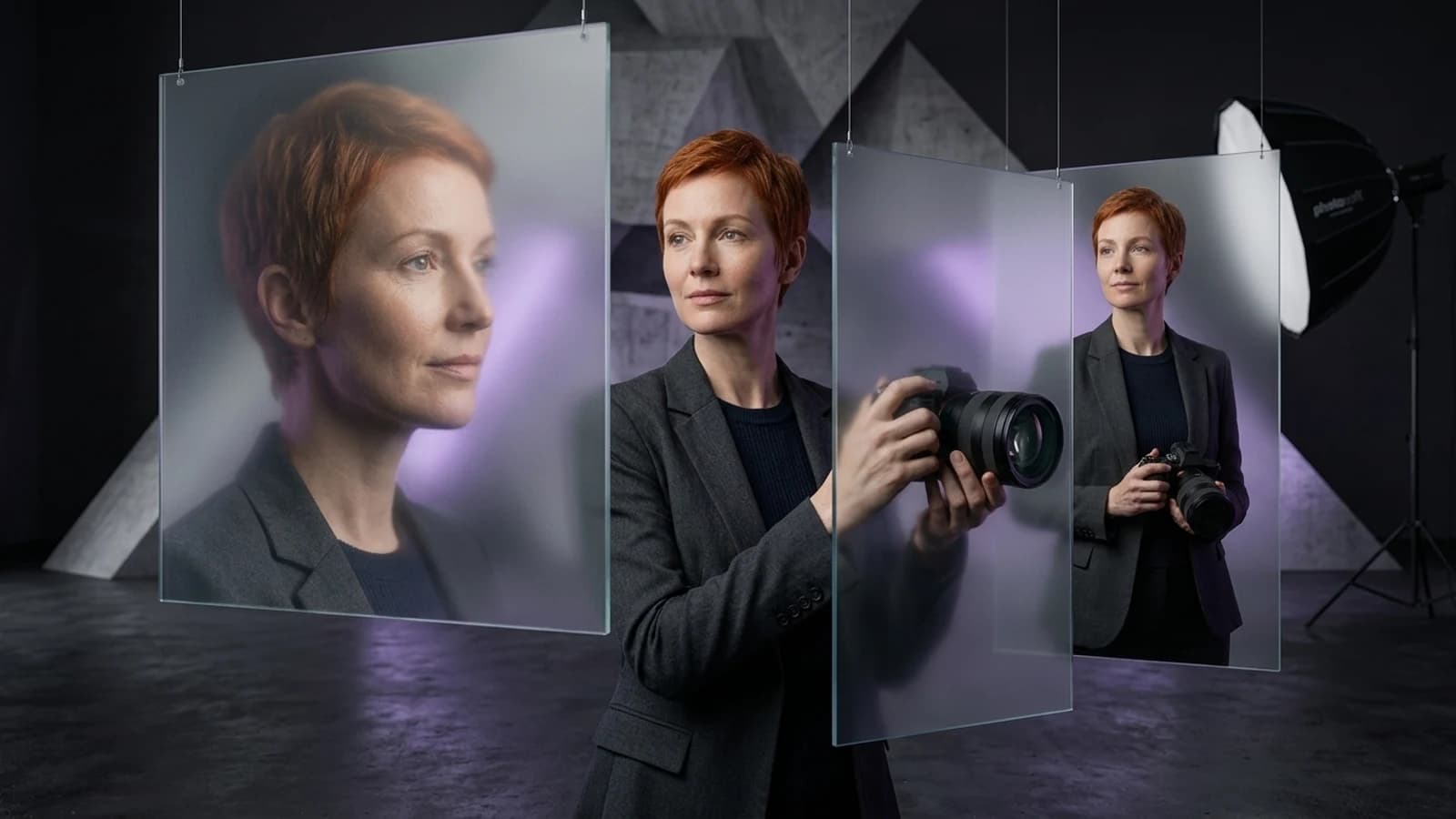
A young woman with short red hair, wearing a dark studio outfit, stands in a minimalist, sculptural studio. She gestures calmly while explaining a complex idea. Cinematic lighting, shallow depth of field.- Compare the result against your actual project needs, not general "quality," but the specific thing that made you look for an alternative in the first place (camera control, character reuse, or iteration speed).
- Note where the alternative's documented workflow (reference images, character reuse, prompt structure) required you to change your process, not just your tool.
This kind of narrow, repeatable comparison tells you far more than a broad "which AI video tool is best" search ever will. For a wider look at how to evaluate creator-video tools generally, the Higgsfield alternatives comparison covers similar tool-selection tradeoffs from a different angle.
When to Stick with Kling AI
It's worth saying plainly: Kling remains a strong choice for many creators, and switching isn't automatically the right move. Its VIDEO 3.0 model family offers image-to-video, text-to-video, reference handling, and native audio generation, as documented in the Kling VIDEO 3.0 guide. If your current workflow already leans on these capabilities and it's producing what you need, a new tool adds friction without a clear payoff. The point of testing alternatives isn't to replace Kling by default; it's to confirm your tool actually matches your specific project, not just its reputation.
There is no single "best" Kling AI alternative; there's the alternative that matches the specific gap in your workflow. Runway suits editors who want reference-led camera control. Pika suits fast, playful iteration. And Prism suits creators who need one consistent character reused across many pieces of content through its Image, Video, Motion, Batch, Upscale, Prompt, and Media tools.
The practical next step is small: run one script through one alternative, compare it honestly against your actual need, and decide from real output rather than a general ranking. If character consistency across a content calendar is your bottleneck, start with the AI influencer creation guide, then explore deeper tool comparisons at Prism's academy as you build out a repeatable process.