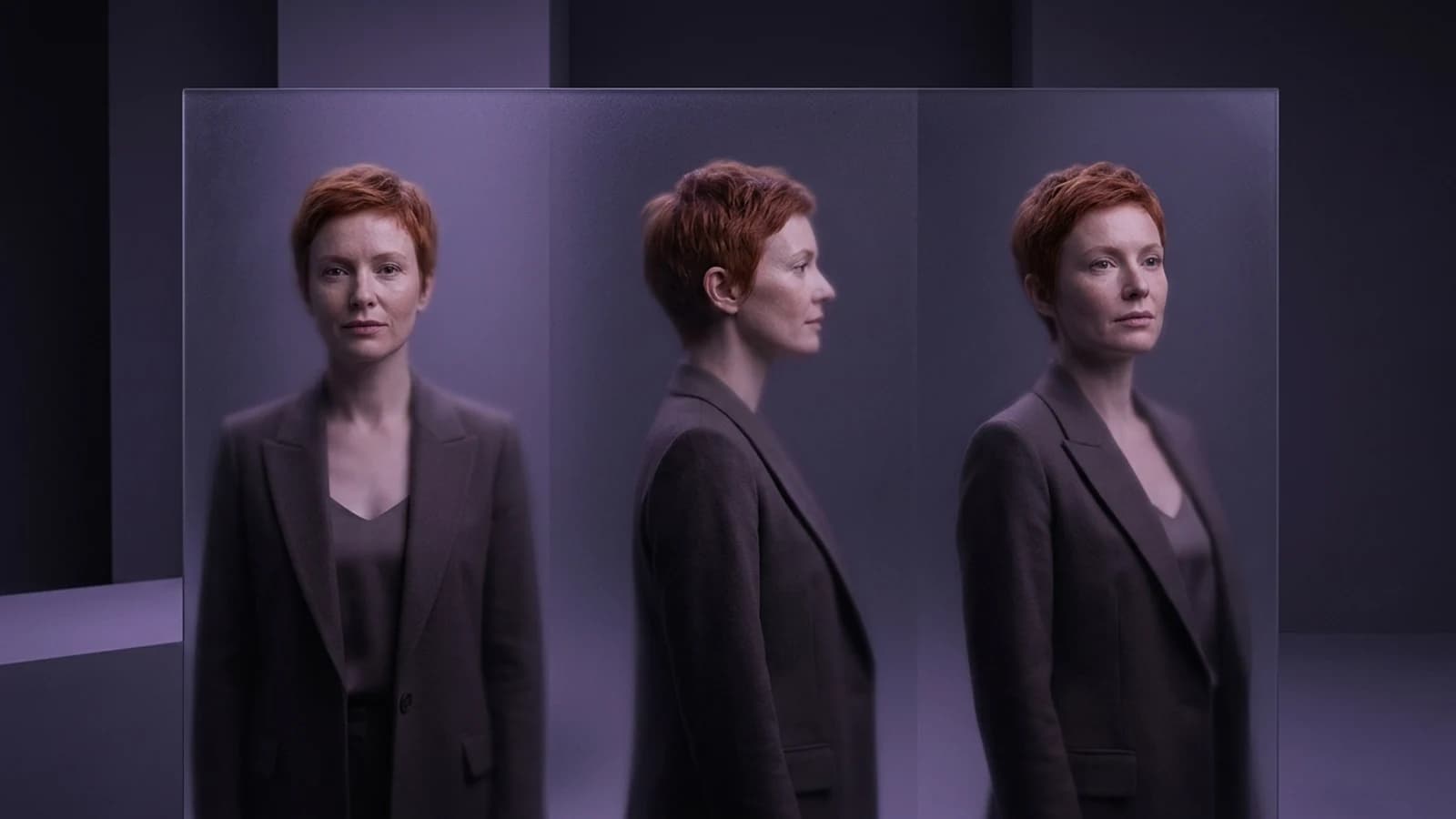
Midjourney excels at generating striking images, but creators often face a distinct challenge when aiming for a consistent character across multiple scenes and varied outputs. This need for repeatable character workflows is a key reason many explore a Midjourney alternative.
This article, published by Prism, offers a documentation-based comparison of tools for AI character creation, rather than a hands-on benchmark. It provides a practical look at what an alternative needs to deliver for character creators, focusing on how tools document the capability to maintain a face, outfit, or art style consistently across numerous images and even video.
Why "Midjourney Alternative" Means Different Things to Different Creators
The search for a Midjourney alternative often stems from several distinct needs: more reliable character persistence, video-ready output, or a workflow designed around a single character used repeatedly. While many platforms offer general image generation capabilities, the more useful lens for anyone building a recurring character is to look specifically at tools with built-in identity conditioning or structured character workflows, rather than those relying primarily on clever prompting for consistency.
Model Versus Platform: Why Midjourney's Version Matters
Before comparing alternatives, it's helpful to distinguish between a model and a platform. Midjourney's own Omni Reference documentation explicitly states that Omni Reference is tied to newer reference and edit workflows, which are distinct from how earlier V7 syntax or older character-reference parameters behaved. This means that while "Midjourney can do character consistency" is true, the specific version and syntax you use significantly impact what's possible. It's important to keep this version context in mind for Midjourney and to apply similar scrutiny to alternatives that may also offer multiple model versions.
Four Documented Midjourney Alternatives for Character Work
Instead of a broad list, here are four platforms with genuinely different documented workflows worth testing against your own character project.
OpenArt: A Guided Character Library Workflow
The OpenArt Character workspace is designed around a dedicated character library, supporting character creation and character image/video workflows, including talking video and Motion Sync. This approach provides a structured environment to store and reuse a character, making it a relevant option for creators focused on consistent character output.
What to verify yourself: Consider how many reference images the character library accepts, and whether outputs remain recognizable across significant changes in style or pose (for example, moving a character from a portrait to an action scene).
Higgsfield: A Workflow-Oriented Creator Toolset
Higgsfield's creator tools are part of a creative suite with image/video tools, Cinema Studio, character creation, and Soul ID, positioning them for production workflows rather than one-off image generation. This can be particularly useful if your goal is a pipeline of assets. For a deeper look at how Higgsfield stacks up against other options for character and content creation, see this breakdown of Higgsfield alternatives, which covers tool-selection tradeoffs in more detail.
What to verify yourself: Check which output formats (image, video, or both) the toolset covers, and whether a single character profile carries across those formats without needing to re-upload references each time.
Runway: Reference-Led Filmmaking, Not Just Stills
Runway's reference-led filmmaking approach is documented specifically around using references to guide shots within a filmmaking context. This makes it a strong comparison point if your character work is primarily geared towards video rather than static portraits, as it emphasizes continuity across sequences.
What to verify yourself: Observe how references behave across a multi-shot sequence, and whether the workflow encourages a video-production mindset (focusing on shots and continuity) rather than a single-prompt-per-image habit.
Prism: Reusable Characters Across a Connected Toolset
Prism's creator workflows offer a distinct approach: character creation accepts either a written description or an owned reference image. Once that reference is approved, it's reused across subsequent generations, eliminating the need to re-prompt identity each time. This reusable character then integrates with Prism's Image, Video, Motion, Batch, Upscale, Prompt, and Media tools, allowing the same approved character to transition from a still image to motion or batch output without rebuilding its identity.
If you're new to setting up a character workflow, the practical starting guide on how to create an AI influencer walks through the reference-and-reuse approach in more detail before you commit to a specific tool.
What to verify yourself: Confirm how the approved reference carries into each connected tool (Image, Video, Motion, Batch), and whether batch outputs maintain visual consistency with the original reference across a series of images.
Comparison Table: Workflow and What to Check
| Tool | Documented workflow | What to verify before switching |
|---|---|---|
| OpenArt | Character library + guided workspace | Reference upload limit; consistency across pose/style changes |
| Higgsfield | Production-oriented creator toolset | Output formats supported; whether one profile spans them |
| Runway | Reference-led, shot-based filmmaking | Reference behavior across multi-shot sequences |
| Prism | Reusable character across connected tools | Reference carry-through into Image, Video, Motion, Batch |
Free Intent: A Supporting Factor, Not a Free Pass
Budget is a significant factor in many searches for a Midjourney alternative, and some platforms do offer free tiers or trials. While "free tier available" can be a valuable starting point for independent creators, it's crucial to understand that this is not equivalent to "free forever" or "commercial-clear." Terms, limits, and commercial usage rights can change, so always confirm the current tier details directly on each provider's official site. Prism, like most production-grade creator tools, operates on paid plans; this article should not be interpreted as a claim that Prism is free.
A Concrete Switching Trial to Run Yourself
Instead of relying on general quality rankings, consider running a specific trial with your own character:
- Select a Character: Choose one character you already use, whether defined by a written description or an owned reference photo.
- Generate Scenes: Create the same five distinct scenes (for example: a portrait, a three-quarter turn, an action pose, a different outfit, and a different lighting scenario) using both your current tool and one alternative from the table above.
- Compare Consistency: Evaluate not just the overall visual style, but critically, whether the same face and specific details of your character survive the changes in pose, outfit, and lighting.
- Note Effort: Keep track of how many manual corrections or re-prompts were necessary with each tool to maintain the character's intended appearance.
This kind of hands-on trial provides far more relevant insight than a generic "best AI character generator" list, as it directly addresses your specific character and use case.
When Keeping Midjourney Still Makes Sense
This exploration of alternatives doesn't mean Midjourney is obsolete. If your primary work involves concept art exploration, mood boards, one-off illustrations, or stylistic experimentation, Midjourney's aesthetic strengths remain a genuine asset. Furthermore, its Omni Reference feature does add valuable character-guidance capability. Switching to an alternative makes the most sense when your workflow shifts from generating a single, striking image to reliably producing the same character multiple times across various formats and scenarios.
For creators weighing this shift, exploring the broader Prism Academy resources can provide structured guidance on building a repeatable character workflow, helping you move beyond starting from scratch with each new project.
Choosing Your Next Character Tool
There isn't one universal "best" Midjourney alternative; the ideal choice depends on your specific workflow and project needs. If you require a guided character library, OpenArt's documented workspace is worth investigating. For production pipelines or video-centric character work, Higgsfield and Runway each offer distinct, documented paths. If your goal is to use one approved character reference consistently across image, video, motion, and batch generation without rebuilding its identity each time, Prism's connected toolset is designed for that reuse case. Run the five-scene trial described above with your own character before committing, and let those practical results guide your decision on which tool earns a permanent spot in your creative workflow.